
 SchweizerIMGAvailable
Image tools that run in your browser: your images stay on your own device.
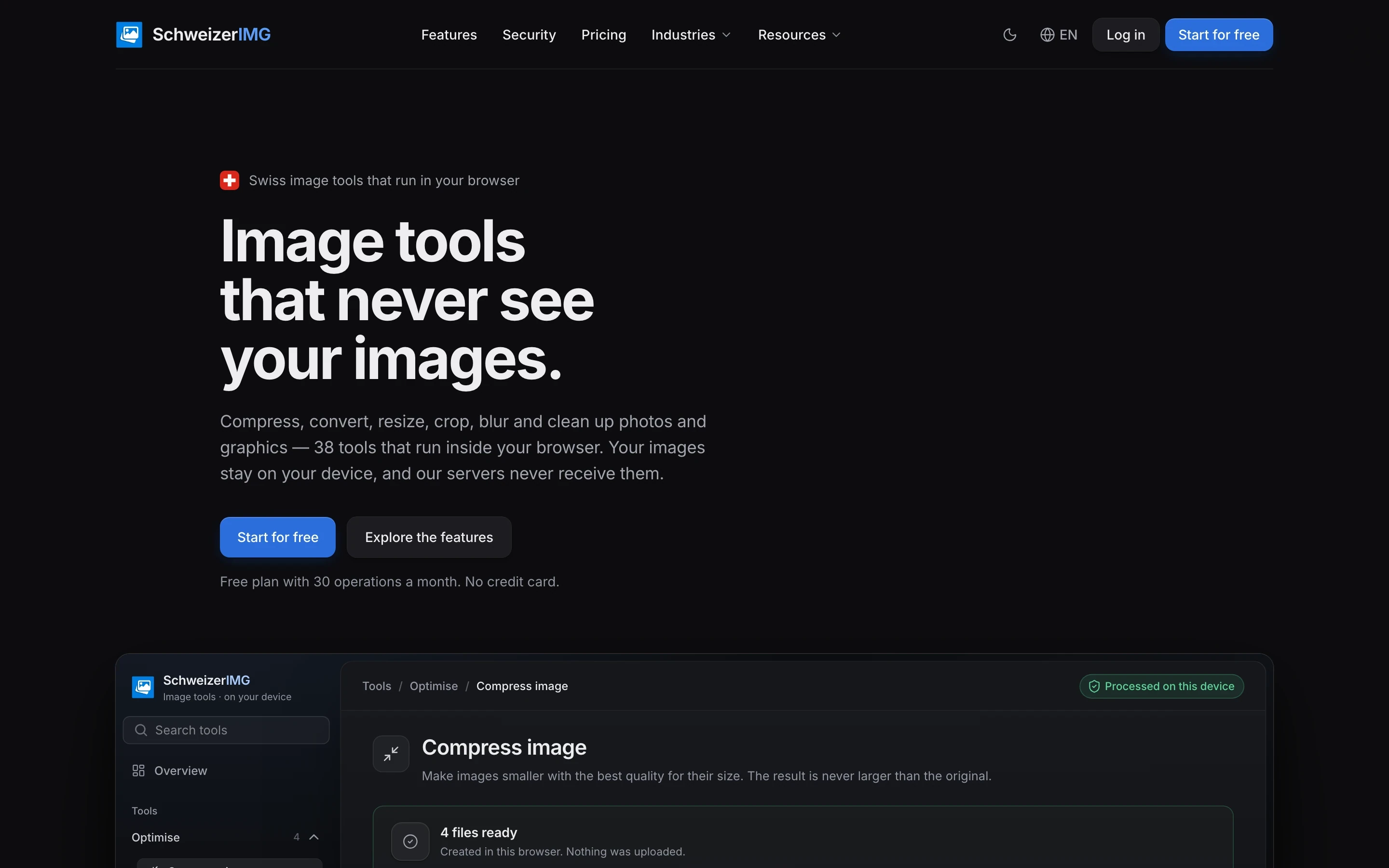
SchweizerIMG is a set of image tools from Switzerland. Photos and graphics are compressed, converted, resized, cropped and cleaned up in the browser on your own device, not on a server.
- Released on
- Languages
- German, French, Italian, English
What SchweizerIMG does today
Images stay on your device
The tools run in your browser. According to SchweizerIMG, its server receives no image and no file data, only the name of the tool used.
Remove metadata
View and remove location, time, camera serial number and edit history without re-encoding, so the image quality stays exactly the same.
Hide faces and number plates
Draw a rectangle or an ellipse over what nobody should see. In the copy you save, those pixels are replaced and cannot be recovered.
A whole folder at once
Drop in a folder and every image is processed on your device one after the other, with the new size and the saving per file.
Formats, size and crop
Convert phone photos (HEIC in Safari) to JPG, WebP or AVIF, resize, crop and add a watermark.
No AI, no trackers
No AI, no third-party trackers, no ads. The app is available in German, French, Italian and English.
SchweizerIMG in detail
Image work without the photo leaving your computer
SchweizerIMG is a set of image tools for photos and graphics: compress, convert, resize, crop, blur and clean up. There is also an image editor, collages, a QR code generator and more. Every tool runs in the browser on your own device. Your images stay there, and SchweizerIMG says its servers never receive them.
What an upload gives away
An online converter or compressor receives the original file: the faces and number plates in it, the GPS position and camera serial number in its metadata, its name. Its own terms decide what happens to it next. With SchweizerIMG your browser does the same job. The server only learns which tool was used and whether the operation finished, and the account holds your plan and your monthly operation counter.
Metadata
A photo often carries more than you see: location, time, camera serial number, edit history. SchweizerIMG shows these details and removes them without re-encoding the image, so the image quality stays exactly the same. A report then shows whether anything private is left.
Hiding what nobody should see
With a rectangle or an ellipse you choose what is blurred or pixelated, such as a number plate or a face. According to SchweizerIMG, those pixels are replaced in the copy you save and cannot be recovered from it.
Batches, formats and crop
If you have many images, drop in a whole folder. Each image is processed on your device, with the new size and the saving per file, and everything can be downloaded as a ZIP. Phone photos can be converted to JPG, WebP, AVIF and other formats. For an online shop, a product photo is resized to its longest side, cropped to an aspect ratio or padded to a square. A text or logo watermark can be added to a whole batch.
How you use SchweizerIMG
You create an account, pick a tool and drag photos in. The browser produces the result on your device and you download it. Images are neither stored nor uploaded.
Who SchweizerIMG is for
SchweizerIMG is aimed at teams that publish images every day: online shops, real estate, marketing and web agencies, hospitality and tourism, media and communications, and health and therapy practices. Each has its own page with examples. The app comes in German, French, Italian and English, with no AI, no third-party trackers and no ads.
The idea behind it
Before SchweizerIMG existed, we described the idea behind it: what was planned and why. That page stays as it was written.
 SchweizerIMG
 is available
Image tools that run in your browser: your images stay on your own device.