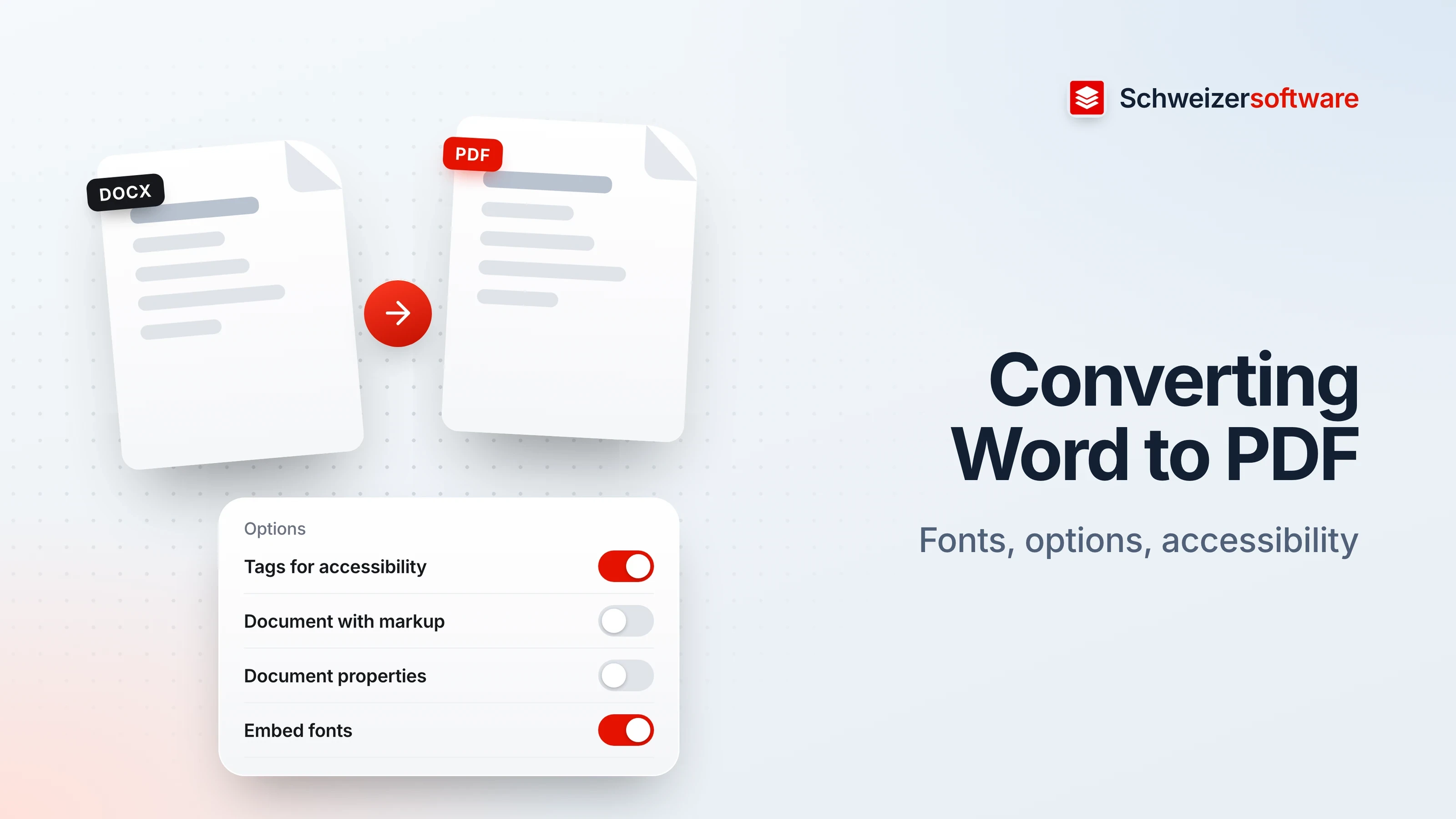
Converting Word to PDF: fonts, options, accessibility
Which options matter when saving as PDF: fonts, tracked changes, document properties, structure tags for accessibility and PDF/A.
6 min read
PDF tools
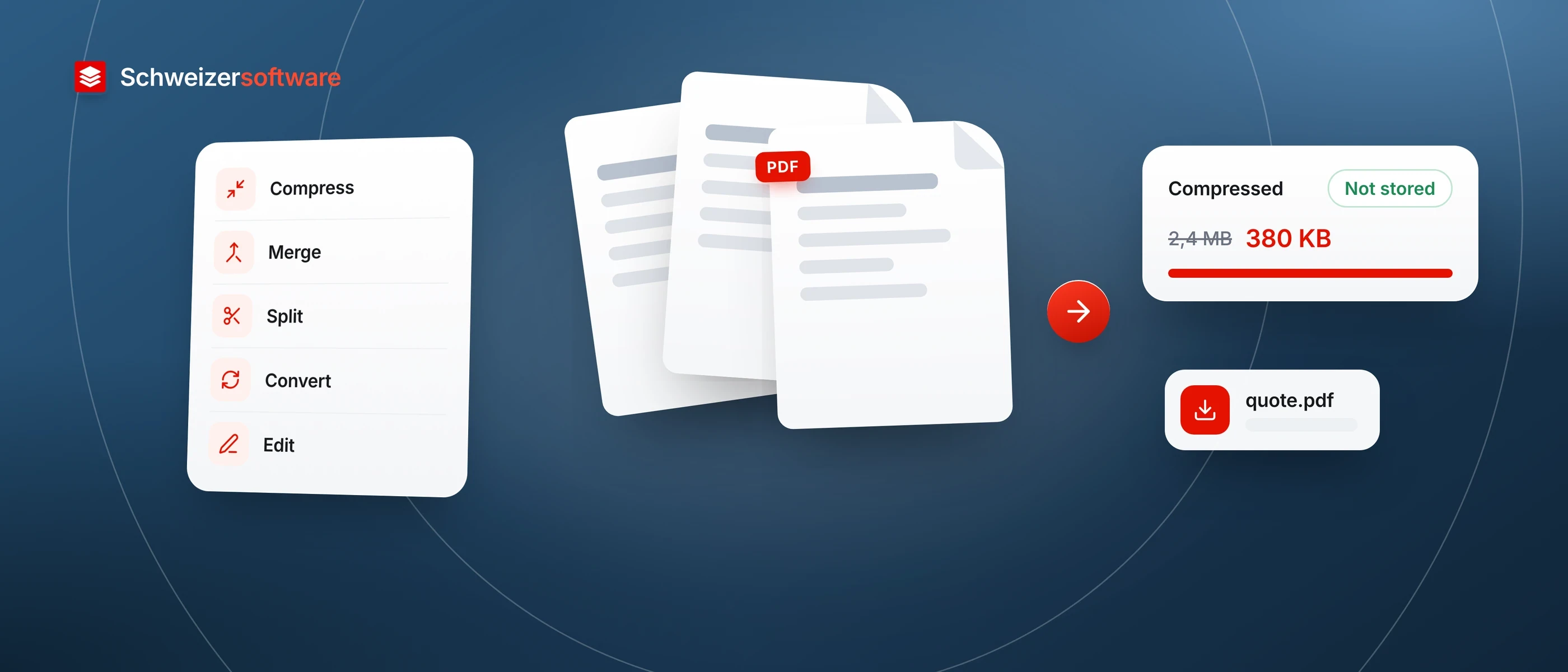
Compress, merge, split, convert and edit — in one web app for businesses and individuals in Switzerland. Files will be processed in Switzerland, in memory, and nothing is stored.
A quote is too large to email, three scans need to become one document, a contract still needs a signature. For small jobs like these, PDFs often end up with an online service where it is hard to tell where it runs, how long it keeps the file, or how it makes its money. Yet these files hold names, prices, salaries and addresses.
We are building the PDF tools as a web app run in Switzerland. A file should exist only for as long as the work takes: it is processed in memory, the result comes back to you, and nothing is stored. For especially confidential documents, a separate mode will do selected jobs directly on your device, so the file never leaves it.
For small businesses in Switzerland that send quotes, invoices, contracts and forms as PDFs every day — and for individuals who want to shrink a tax return attachment or turn a few scans into one document.
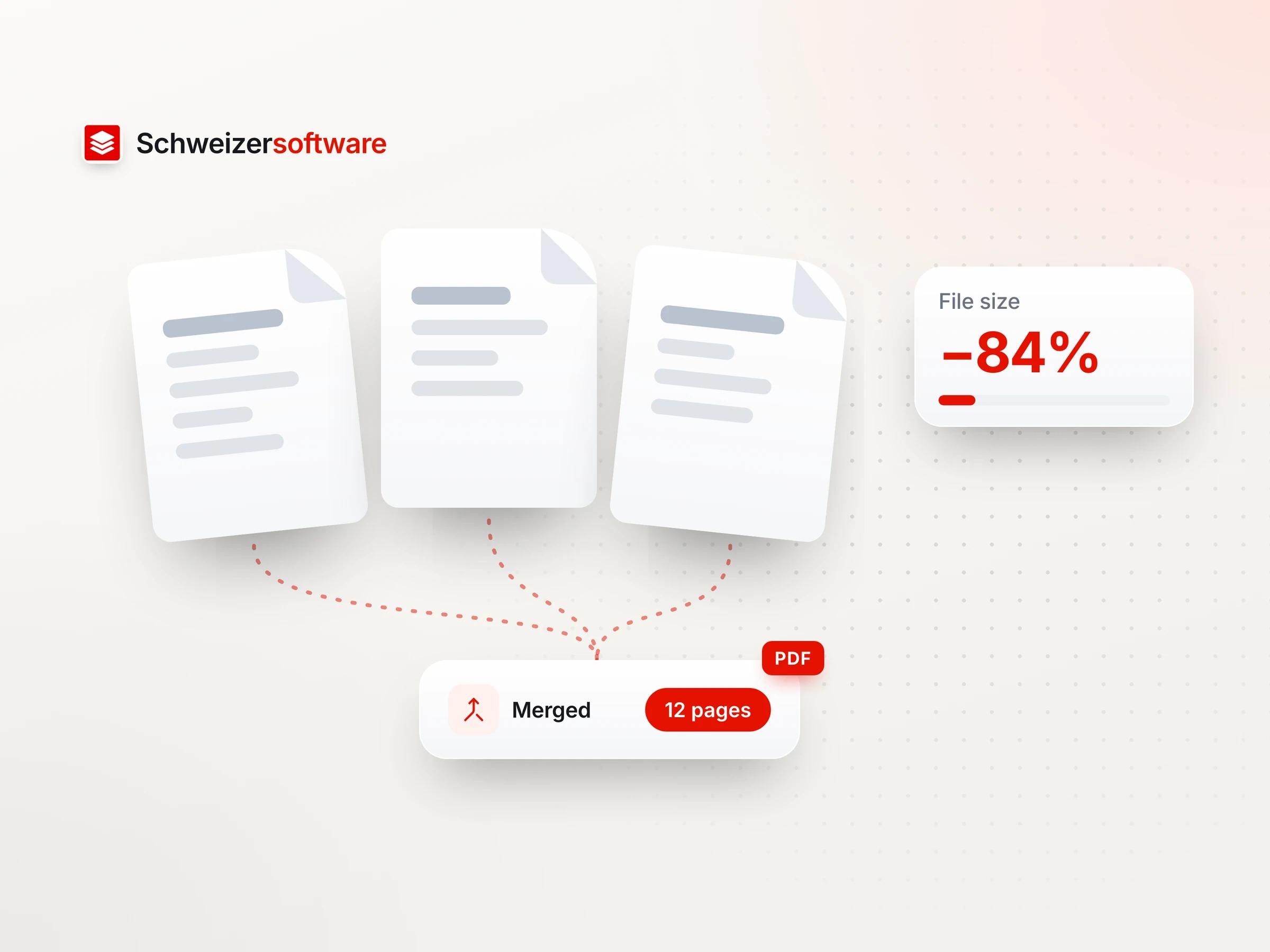
The three most common jobs will each take one step: make a file smaller, combine several into one, or split one into single pages or ranges. You choose how strongly it is compressed.
Word documents and images will convert to PDF, and PDFs back into images. The result is ready to download straight away.
Rotate, reorder or delete pages, add text and place a signature: the small corrections you would otherwise install a separate program for.
A file is processed in the memory of a server in Switzerland and is not written to disk. Once the result is with you, there is nothing left on our side to delete.
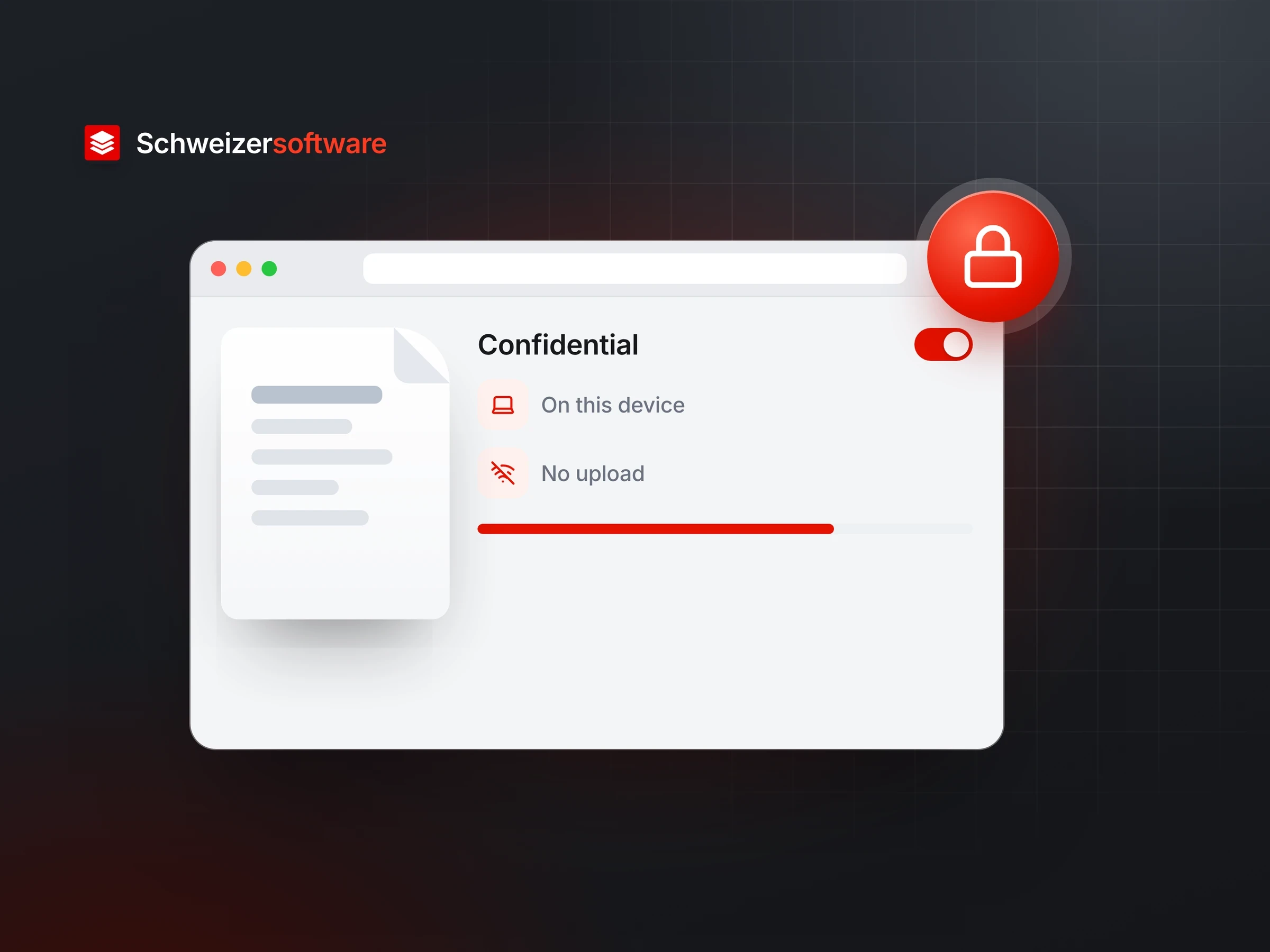
For selected jobs, the app will move the processing entirely into your browser. The file then does not leave your device — not even to Switzerland.
The app will show no advertising, follow no visitors and sell no data. It is meant to live from what it does, not from the files that pass through it.
The same commitments apply to every app that grows out of our ideas.
Our apps store your data on infrastructure in Switzerland. Where exactly is stated on one page – not spread across several documents.
We do not sell, rent or pass on your data. We earn from the app, not from what you entrust to it.
Your data is not used to train AI models. Not ours, and not anyone else’s.
We design to the Swiss Data Protection Act and build privacy in from the start – not as an adjustment at the end.
Is your question not answered here? Write to us – we read every message.
ContactIn the browser, on your own device. SchweizerPDF’s server only learns which tool ran and whether the operation finished, never what was in the file. This website itself runs on our own server at Infomaniak in Switzerland; what is stored where is set out in the privacy policy.
No. The file is processed in the browser and does not leave your device. The account holds your e-mail address, your settings and the monthly operation counter, never your documents.
A term from our planning. SchweizerPDF has no separate mode: everything runs in the browser on your device. The processing itself needs no network once a tool has loaded; signing in, loading the app and counting operations do.
No. We do not sell, rent out or pass on your data, and we do not use it to train AI models. SchweizerPDF shows no advertising and uses no third-party trackers.
Which options matter when saving as PDF: fonts, tracked changes, document properties, structure tags for accessibility and PDF/A.
6 min read
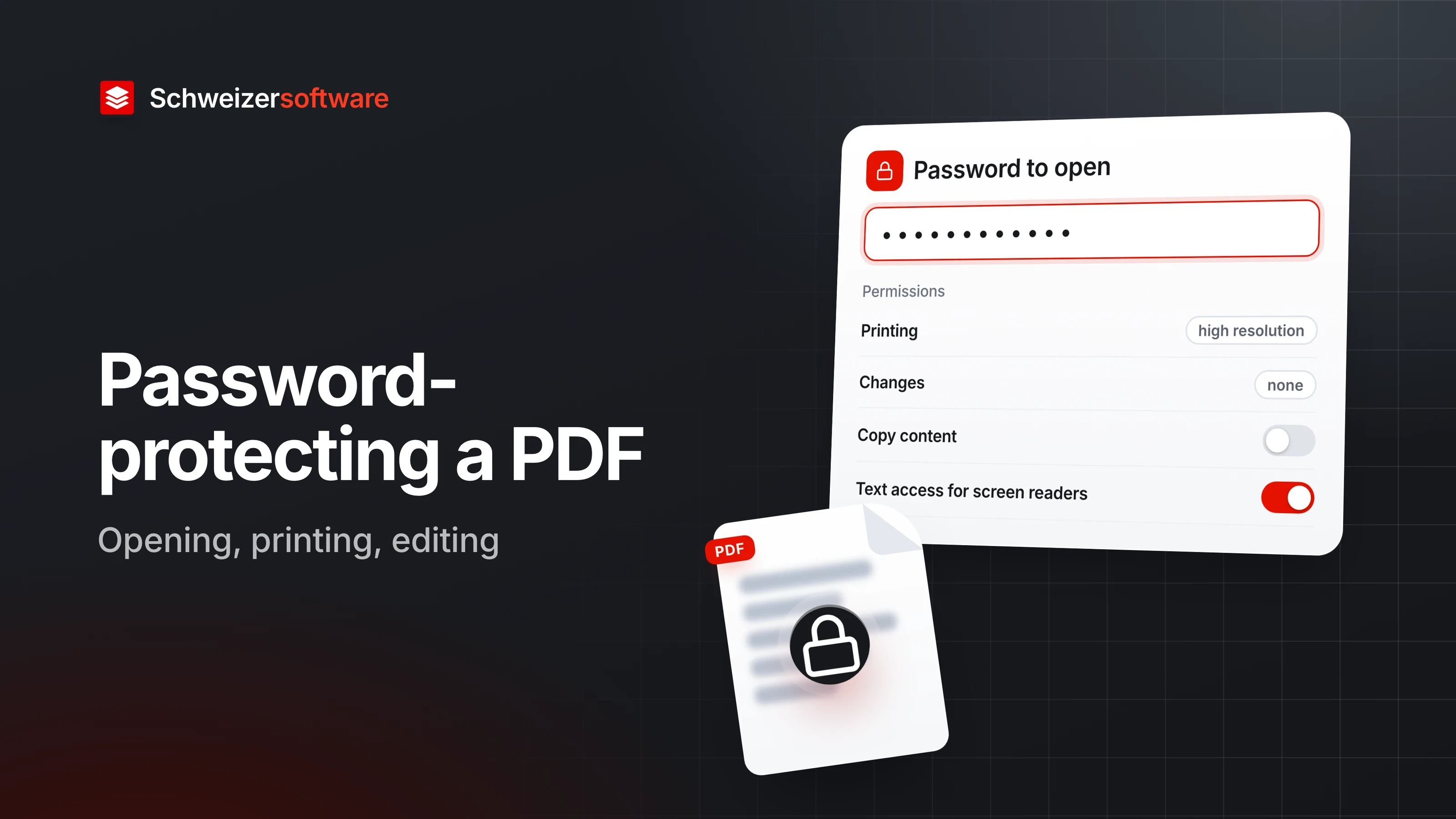
The difference between the password to open a PDF and its permissions, what PDF encryption achieves, and where its limits lie.
6 min read
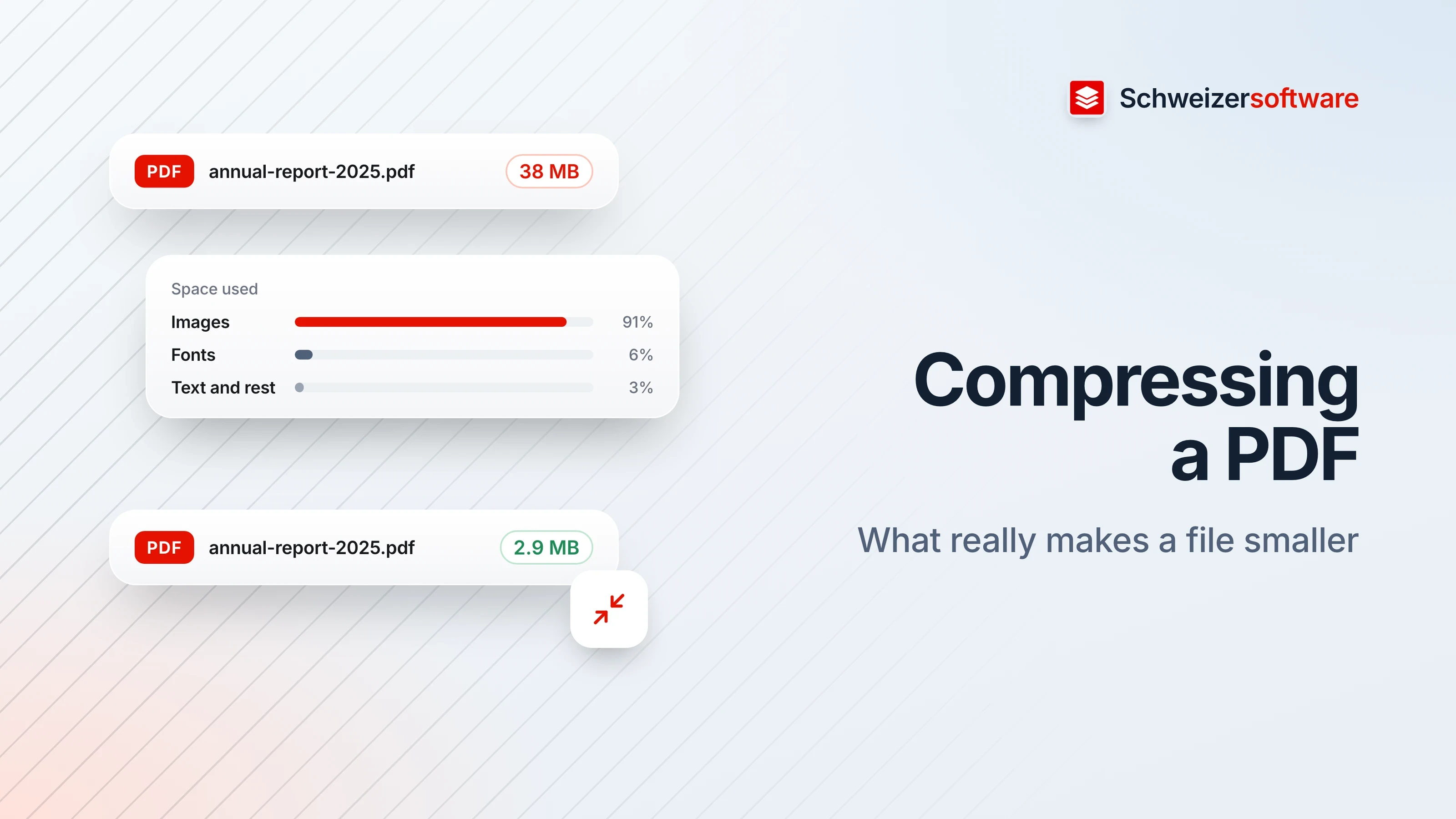
What a PDF is made of and what happens when it is compressed: shrinking images, embedding or leaving out fonts, removing clutter, keeping what matters.
6 min read
 SchweizerPDF
PDF tools for documents you would never upload, processed on your own device.