
Forms6 min read
File uploads in forms: size, formats, sensitivity
What businesses consider when an online form accepts files: allowed formats, sizes, sensitive content, security, and how long the files are kept.
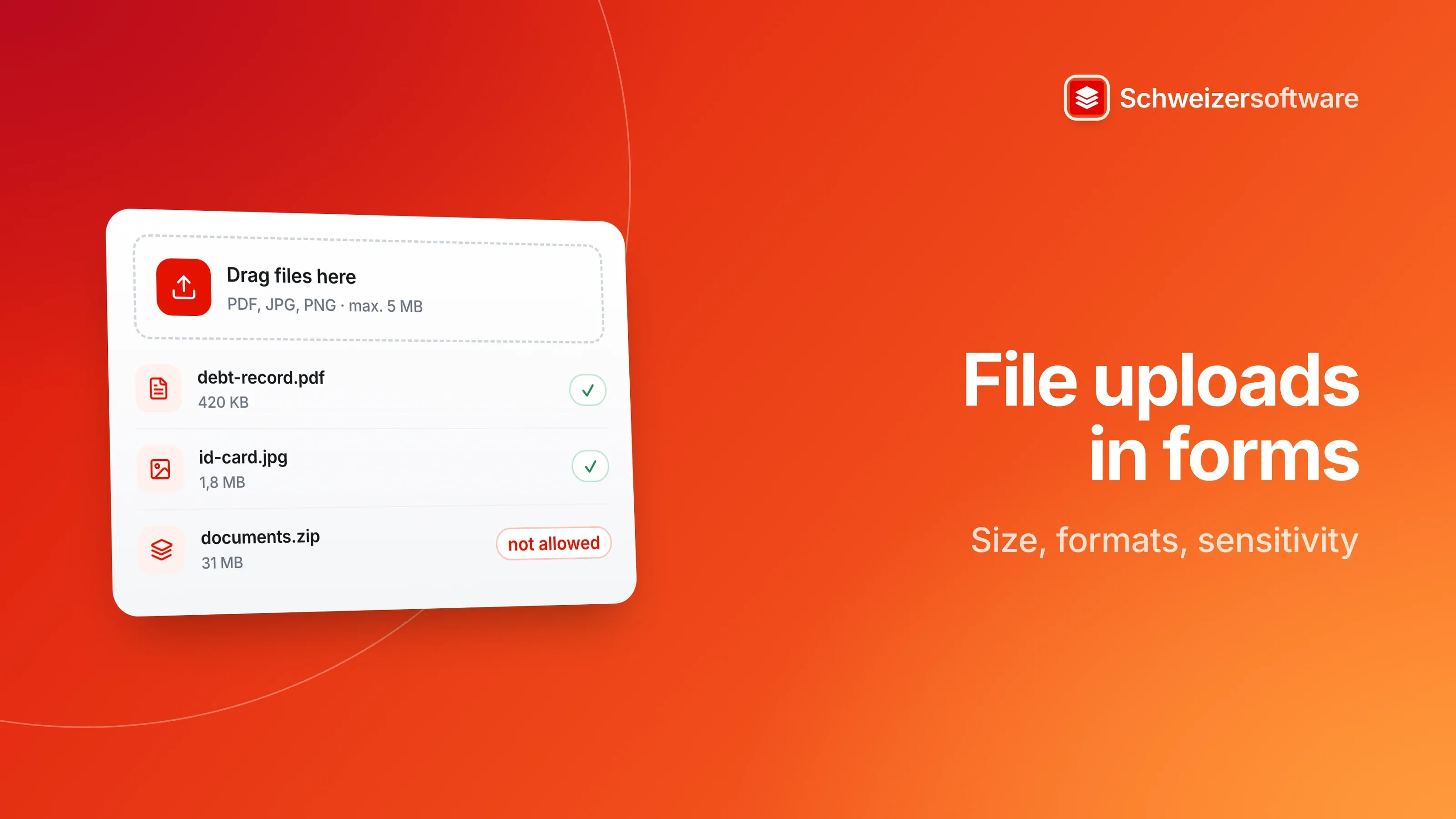
A property management firm in Baden puts its application form for rental flats online. Until now, applications arrived by email with attachments in every imaginable shape: photos of the debt enforcement register extract, scanned ID cards, payslips as Word files, a thirty-megabyte ZIP archive. Now the form is to accept the files directly.
An upload field is quickly added. But it is a different field from the others: nobody knows beforehand what will land in it, it can be large, and it often holds the most sensitive details of the whole process. A few decisions made in advance make it easier for both sides.
Why an upload differs from a text field
A text field takes a few lines that you can see. A file field takes a container whose content you only know once you open it. Three differences follow:
- The content is unknown. A file can contain more than its name promises — extra pages, metadata, in the worst case malicious code.
- The size is open. A photo from a current phone is many times a text field; a video even more.
- The sensitivity is high. What gets uploaded is often exactly the documents you would not type into a text field: ID cards, medical certificates, salary statements.
Which formats
The OWASP project, a non-profit organisation for application security, recommends in its cheat sheet on file uploads listing the allowed extensions and permitting only those the purpose needs — rather than blocking dangerous extensions, which is easy to get around.
For the property management firm, this gives a short list: PDF, JPG and PNG. Word files can be converted to PDF, ZIP archives are not needed. Authorities take a similar approach: the tax administration of the canton of Bern, for example, accepts PDF, PNG and JPG for receipts.
A short line below the field — “PDF, JPG or PNG” — saves questions. Someone with a HEIC photo from an iPhone then knows they need to convert it.
Which size
OWASP recommends setting size limits, among other things to protect storage. For the form, that means choosing a limit that suits the expected documents: a scanned extract needs a few megabytes, a full-resolution photo quickly more. The canton of Bern sets 5 MB per document for its receipts.
Helpful for the person filling in the form:
- state the limit at the field, not only in the error message;
- when the limit is exceeded, say how to make the file smaller;
- allow several files instead of requiring one large one.
What is in the files
A rental application often asks for documents that say a lot about a person: the debt enforcement register extract about their finances, the proof of salary about their income, the ID copy about their identity. In its guide on data security breaches, the FDPIC names the loss of copies of identity documents explicitly as an example of data that can mean a high risk, even though they are not sensitive personal data in the legal sense. And where forms accept medical certificates or other health information, that is sensitive personal data (Art. 5 let. c no. 2 FADP).
Two questions are worth asking before setting up the field:
- Is the document really needed, and at this moment? Personal data may only be collected as far as is proportionate (Art. 6 para. 2 FADP). An ID copy may be needed to sign the lease, but not necessarily for the first application.
- Who sees the files? The Data Protection Ordinance requires measures so that authorised persons only have access to the data they need for their tasks (Art. 3 para. 1 let. a DPO).
Security, in plain words
Most of the technical points lie with the provider of the form tool, not with the business. The OWASP cheat sheet names, among others:
| Point | What OWASP recommends |
|---|---|
| File extension | List the allowed extensions |
| Declared file type | The type sent by the browser can be spoofed and is not to be trusted |
| File signature | Check the actual file type from its content |
| File name | Assign random names on the server |
| Storage location | Store separately from the website |
| Scanning | Where possible, check files with a virus scanner or in a sandbox |
For a business choosing a tool, these make useful questions for the provider: which formats can be restricted? Where are the files stored, and for how long? Who at the provider has access to them?
How long the files stay
Personal data is destroyed or anonymised as soon as it is no longer needed for the purpose of processing (Art. 6 para. 4 FADP). For the property management firm, this means: the documents of applicants who do not get the flat have served their purpose once the flat is let. A fixed rule — such as deletion a few weeks after letting — prevents debt enforcement extracts from piling up for years in the inbox or the form tool.
What can go next to the field
Whoever collects personal data informs the person concerned appropriately (Art. 19 para. 1 FADP). The upload field itself is where this information is most useful, because that is where someone decides whether to upload a file:
- what the document is needed for;
- who sees it;
- when it is deleted;
- which formats and which size are possible.
Four short lines are enough. They answer the questions that otherwise come by phone or email.
For the person uploading
Whoever fills in a form has options too. If a document is requested that contains more than needed — a bank statement with every transaction of the month when only the salary is to be shown — it is possible to ask whether an extract will do. Anyone who wants to make parts unreadable does so with a real redaction function instead of a rectangle laid on top, because a rectangle often does not remove the text underneath. And anyone uploading a photo can remove the stored location first; for a photo taken at home, that is their own address.
A PDF, for instance straight from e-banking or the payroll program, is often a better choice than a photo of the printed document: smaller and easier to read.
The form in Baden
In the end, the firm settles on a lean setup: the application form has one upload field for the debt enforcement register extract, limited to PDF, JPG and PNG up to 5 MB, with one sentence on why it is requested and when it is deleted. The ID copy and proof of salary are only requested once an application is shortlisted.
In the Forms app we are building, answers and uploaded files are encrypted in the browser of the person answering and only decrypted again in the recipient’s browser, with their personal key. Retention periods and automatic deletion rules will be settable per form.
Sources
- 1.OWASP Cheat Sheet Series: File Upload Cheat Sheet (checked on 25 September 2026)
- 2.Bundesgesetz über den Datenschutz (DSG, SR 235.1) (checked on 25 September 2026)
- 3.Datenschutzverordnung (DSV, SR 235.11), Fassung in Kraft seit 15. September 2024 (checked on 25 September 2026)
- 4.EDÖB: Leitfaden betreffend die Meldung von Datensicherheitsverletzungen und Information der Betroffenen nach Art. 24 DSG (Version 1.2 vom 23. April 2025) (checked on 25 September 2026)
- 5.Kanton Bern, Steuerverwaltung: Antworten zu BE-Login (checked on 25 September 2026)
 Schweizerform
This idea became Schweizerform.
Online forms with end-to-end encryption, made and hosted in Switzerland.