
PDF tools6 min read
Sending payslips as PDF by email: what businesses consider
Payslips contain personal data. What the Code of Obligations, the FADP and the Data Protection Ordinance say, and which options businesses use to send them.
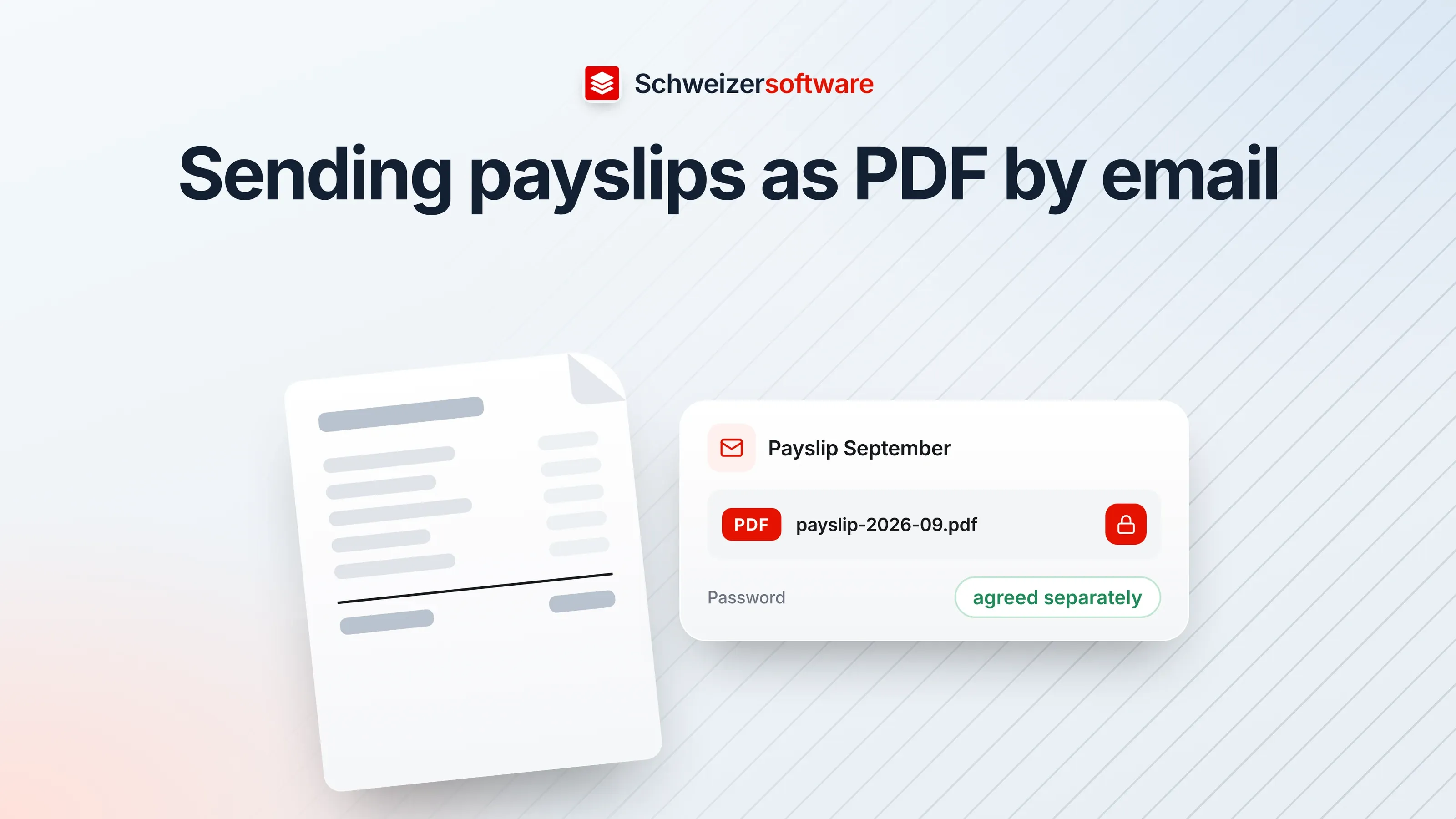
A bakery in Chur with nine employees produces its payslips with a payroll program. They used to be printed and put into envelopes in the pigeonholes. Since the branch in Domat/Ems was added, they go out by email — as PDFs, on the 25th of the month, nine messages one after another.
It works. Still, the owner wonders whether it is done right. Each of these files contains a person’s name, address, AHV number, salary, deductions and bank details. And a typo in the address line is enough for them to land with someone else.
What the Code of Obligations requires
The duty to provide a statement is in the CO: the employee is to be given a written statement (Art. 323b para. 1 CO). How exactly it is handed over — in an envelope, by post, electronically — is not regulated in detail by the article.
A second provision covers the handling of the data: the employer may only process data about the employee as far as it concerns their suitability for the employment relationship or is necessary for performing the employment contract; otherwise the Data Protection Act applies (Art. 328b CO). On its page on data processing by employers, the FDPIC stresses that the employer must appropriately ensure the security of the personal data processed.
What the FADP says about data security
The Federal Act on Data Protection requires the controller to ensure data security appropriate to the risk through suitable technical and organisational measures (Art. 8 para. 1 FADP). The Data Protection Ordinance makes this concrete:
- The need for protection depends on the type of data and on the purpose, nature, extent and circumstances of the processing (Art. 1 para. 2 DPO).
- The measures are meant, among other things, to ensure that the data is only accessible to authorised persons (Art. 2 let. a DPO).
- When personal data is disclosed, unauthorised persons should not be able to read, copy, change or delete it — so-called transport control (Art. 3 para. 2 let. c DPO).
- The state of the art and the implementation costs are taken into account (Art. 1 para. 4 DPO).
So the law does not prescribe a particular procedure but a weighing: how sensitive is the data, how great is the risk, and which measure is appropriate for it?
What a payslip reveals
For this weighing, it helps to look at the content. A typical payslip contains:
| Item | What it says about the person |
|---|---|
| Name, address | Identity and place of residence |
| AHV number | A unique identifier |
| Gross salary, deductions, net | Income and personal circumstances |
| Withholding tax, child benefits | Hints at residence status and family |
| Absences, daily allowances | Possibly hints at illness or accident |
| Bank details | Financial information |
The last group deserves attention: where a payslip shows absences due to illness, it contains information about health, and that counts as sensitive personal data (Art. 5 let. c no. 2 FADP).
Options for sending
Businesses handle sending in different ways. The common options, in no particular order:
| Option | What speaks for it | What to bear in mind |
|---|---|---|
| PDF as an ordinary email attachment | Simple, no extra setup | The file is readable by anyone who receives the email |
| PDF with a password to open | The file alone cannot be read without the password | The password has to reach the person by another route |
| Download from a portal | No file in the inbox, access with a login | The employees need an account |
| Encrypted email | The content is protected in transit | Both sides need the matching setup |
| Paper | No electronic transmission | Effort, and an envelope can get lost too |
The password PDF is the option that is quickest to set up with built-in tools. When saving as PDF in Word, Microsoft describes the option “Encrypt the document with a password”: then only people with the password can open the PDF file. Some payroll programs offer something similar directly when sending.
An obvious mishap: the wrong recipient
The FDPIC’s guide on data security breaches counts among breaches the case where personal data is disclosed to unauthorised persons. A payslip sent to the wrong address is exactly that. Among the criteria for the risk, the guide names how easily a person can be identified, and it states that effectively encrypted data is regarded as anonymous for unauthorised persons.
This shows why a password PDF is more than a formality: if the message goes astray, the recipient has a file they cannot open. And it shows why a simple routine helps — storing the addresses properly in the payroll program once, instead of typing them again every month.
Who in the business sees the payslips
Sending is only one part. The Data Protection Ordinance also requires measures so that authorised persons only have access to the personal data they need to fulfil their tasks (Art. 3 para. 1 let. a DPO). In a small business, this means in practice: whoever works in the payroll program has their own login; the payslips are not in a shared folder the whole team can open; and the printout left uncollected on the shop printer does not end up in the waste paper.
For the employees
There are decisions on the other side too. Payslips are often passed on — to a landlord for a flat application, to a bank for a loan, to the tax administration. The same question as in the business helps: what does the recipient really need? Often the previous year’s salary certificate or a single payslip is enough instead of the whole year’s folder. Anyone who has received a password PDF and wants to pass it on can make a copy for that, rather than handing over their own password.
For the bakery in Chur
The owner chooses a route that suits the business: the payslips still go by email, but as PDFs with a password agreed in person once with each employee. The email addresses are stored in the payroll program and are no longer typed by hand. Whoever prefers paper gets paper.
Which option is appropriate for a particular business depends on its data, its employees and its setup. The PDF tools we are building will merge, split and compress PDF files — processed in Switzerland, in memory, without any file being kept, and in confidential mode for selected tasks entirely on your own device.
Sources
- 1.Obligationenrecht (OR, SR 220), namentlich Art. 323b und 328b (checked on 25 September 2026)
- 2.Bundesgesetz über den Datenschutz (DSG, SR 235.1) (checked on 25 September 2026)
- 3.Datenschutzverordnung (DSV, SR 235.11), Fassung in Kraft seit 15. September 2024 (checked on 25 September 2026)
- 4.EDÖB: Datenbearbeitung durch den Arbeitgeber (checked on 25 September 2026)
- 5.EDÖB: Leitfaden betreffend die Meldung von Datensicherheitsverletzungen und Information der Betroffenen nach Art. 24 DSG (Version 1.2 vom 23. April 2025) (checked on 25 September 2026)
- 6.Microsoft Support: Speichern oder Konvertieren in PDF oder XPS in Office Desktop-Apps (checked on 25 September 2026)
Be told when it launches
This idea is still being planned. Sign up and we will write to you once, when it becomes an app. Signing up is non-binding – no newsletter, no advertising.
View the idea