
Forms6 min read
Spam in contact forms: options without tracking
Honeypot, timing checks, rate limits and CAPTCHAs compared: what each option does against spam, which data it processes and what it means for accessibility.
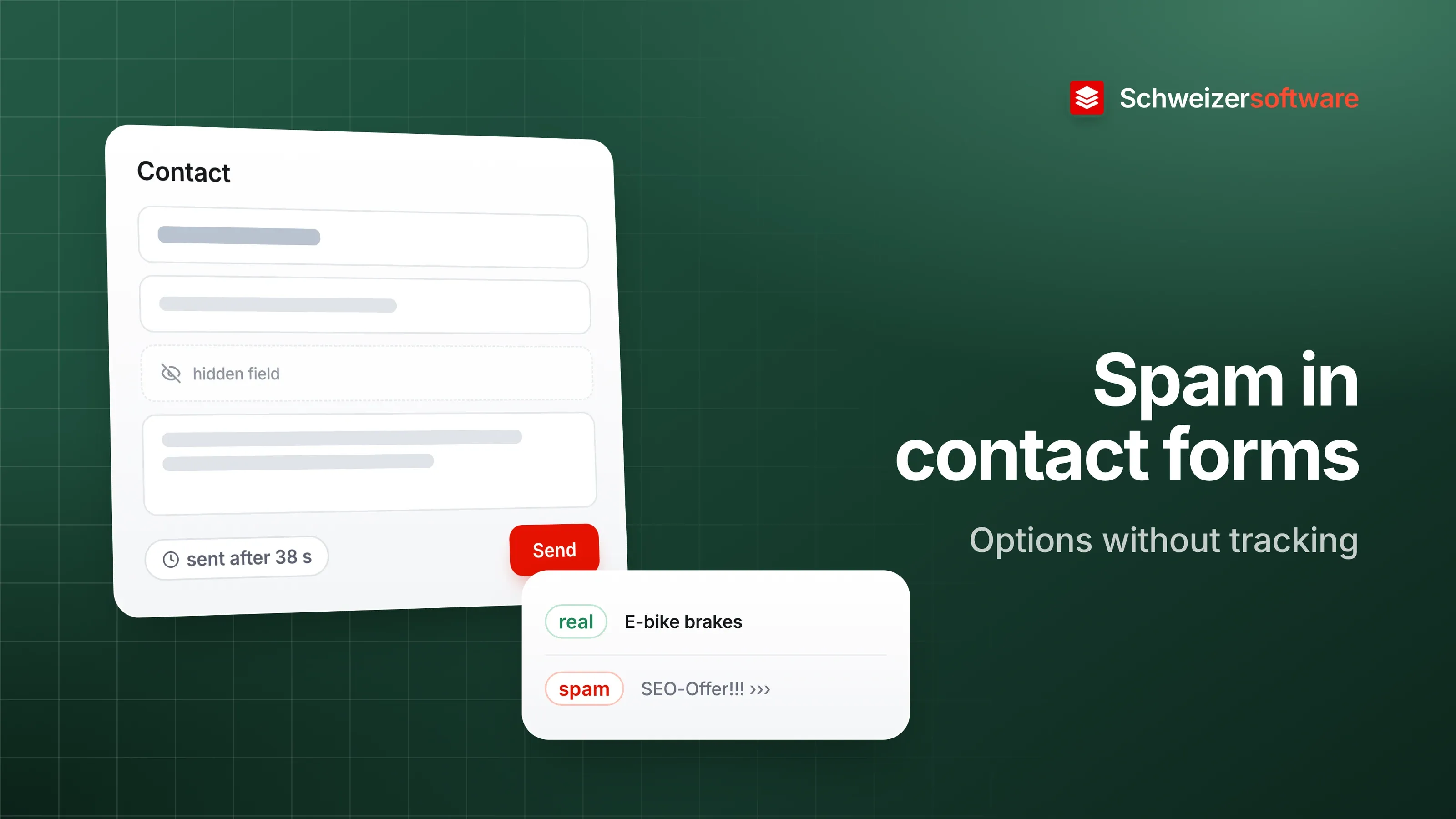
A bike workshop in Thun has a contact form on its website: name, email, message, done. At first it brought in repair requests and questions about e-bikes. Today it is around forty messages a week, three of them genuine. The rest offer search engine optimisation, contain links to dubious sites or consist of random characters.
The web designer suggests a CAPTCHA. The owner hesitates, having despaired over pictures of traffic lights and zebra crossings more than once. Are there other ways?
There are several. They differ in what they do against spam, what people filling in the form notice, and which data they involve.
Where the spam comes from
Form spam is often sent not by people but by programs that search websites for forms and fill them in automatically. That shapes almost every protective measure: they try to tell programs from people. That is exactly what CAPTCHAs were invented for — and exactly where their problem lies, as the W3C describes.
The options at a glance
In its note on the inaccessibility of CAPTCHAs, the W3C lists several alternatives that work without a visible task. Together with CAPTCHAs themselves, the picture looks like this:
| Option | How it works | What the person at the form notices |
|---|---|---|
| Honeypot | A hidden field that people do not see but programs fill in | Nothing |
| Timing check | Forms submitted within a fraction of a second stand out | Nothing |
| Rate limit | Too many submissions in a short time are slowed down | Nothing, except when many pile up |
| Content filter | Typical spam patterns in the text are recognised | Nothing, except when it errs |
| CAPTCHA with a task | Images, distorted text or audio must be solved | A task before sending |
| Behaviour-based service | A third-party service assesses whether the person is human | Usually nothing, sometimes a task |
No option stops all spam. Some businesses combine two or three of the unobtrusive options and manage without a visible task.
CAPTCHAs and accessibility
The W3C notes that a CAPTCHA not only separates computers from humans but often also prevents people with disabilities from completing a task. Blind people cannot read distorted text, deaf people struggle with the audio version, and for people with cognitive impairments repeated failed attempts can be very taxing.
WCAG generally requires a text alternative for non-text content; for CAPTCHAs it provides an exception, but then requires a description of the purpose and alternative forms for different senses (success criterion 1.1.1). For a small contact form, the question is therefore whether the hurdle is in proportion to the benefit.
What third-party services process
Behaviour-based services are convenient: they run in the background and usually ask for no task. In return, they evaluate data from the visitor’s browser. For such services, the W3C describes the evaluation of cookies and on-page interactions among other things, and raises privacy concerns. In its answers on reCAPTCHA, Google states that the service sets a necessary cookie for its risk analysis, and requires the reCAPTCHA notice to remain visible in the flow.
For the business, such a service means that visitors’ personal data goes to a third party, possibly abroad. Whoever collects personal data informs the persons concerned about the recipients, among other things, and, where data is disclosed abroad, about the country (Art. 19 paras. 2 and 4 FADP). Such a service therefore belongs in the privacy policy.
Honeypot and timing check
The two simplest options run on your own server and need no third party.
The honeypot is an extra field that is invisible to people. A program that fills in every field fills in this one too — and the submission is discarded. The W3C names honeypots explicitly as an alternative. Two things deserve care: the field must also be hidden from screen readers, otherwise a blind person hears a field they are not supposed to fill in. And the browser’s autofill should not target it.
The timing check measures how long passes between loading the page and submitting. A person needs at least a few seconds for a name, an email address and a message; a program often only a fraction of that. A limit that is too strict, however, catches people who fill in quickly with saved details.
Rate limits and filters
A rate limit slows things down when many submissions come from the same source in a short time. The W3C names this approach too. It requires the server to recognise a source, usually by its IP address. For data minimisation, that means: store it only as long as the limit needs, minutes or hours, not months.
A content filter checks the text, for example for many links or typical phrasing. The W3C mentions spam filters as another option. Here, the risk lies in wrong decisions: a genuine enquiry with two links to bike parts can get stuck in the filter.
What remains after the filter
Every option makes mistakes in both directions: some spam gets through, and now and then a genuine enquiry lands in the wrong folder. It therefore helps to have a place where sorted-out messages stay for a while and can be glanced through before they are deleted. And for the people at the form: an alternative, such as a phone number or email address, in case sending does not work.
When the form itself sends messages
One feature of some contact forms attracts spam in particular: the option “Send me a copy”. The form then sends an email to the address entered in the field — and that address can be any address at all. A program can thus use the workshop’s form to send messages to strangers, with the workshop as the sender. Leaving out this option, or only sending the copy after a confirmation, removes the basis for this kind of abuse.
And for the messages that get through anyway: links in spam messages often lead to pages that try to capture login details; not clicking them avoids that.
For the bike workshop in Thun
The workshop decides against the CAPTCHA. Its form gets a honeypot that is also hidden from assistive technologies, and a timing check of a few seconds. Messages that get caught land in a separate folder that the owner glances through on Fridays. Below the form are the phone number and opening hours. The next few weeks will show whether that is enough; a rate limit could be added later.
In the Forms app we are building, answers are encrypted in the browser of the person answering and only become readable again for the recipient. For spam protection, we follow the same principle as this post: make do with the data a form needs anyway.
Sources
- 1.W3C: Inaccessibility of CAPTCHA — Alternatives to Visual Turing Tests on the Web (checked on 25 September 2026)
- 2.Google for Developers: reCAPTCHA FAQ (checked on 25 September 2026)
- 3.Bundesgesetz über den Datenschutz (DSG, SR 235.1) (checked on 25 September 2026)
- 4.W3C: Web Content Accessibility Guidelines (WCAG) 2.1 (checked on 25 September 2026)
 Schweizerform
This idea became Schweizerform.
Online forms with end-to-end encryption, made and hosted in Switzerland.