
PDF tools6 min read
Quotes as PDF: a routine for small businesses
From a quote in the word processor to a PDF ready to send, with plans and data sheets: a practical routine, and what the Swiss Code of Obligations says about offers.
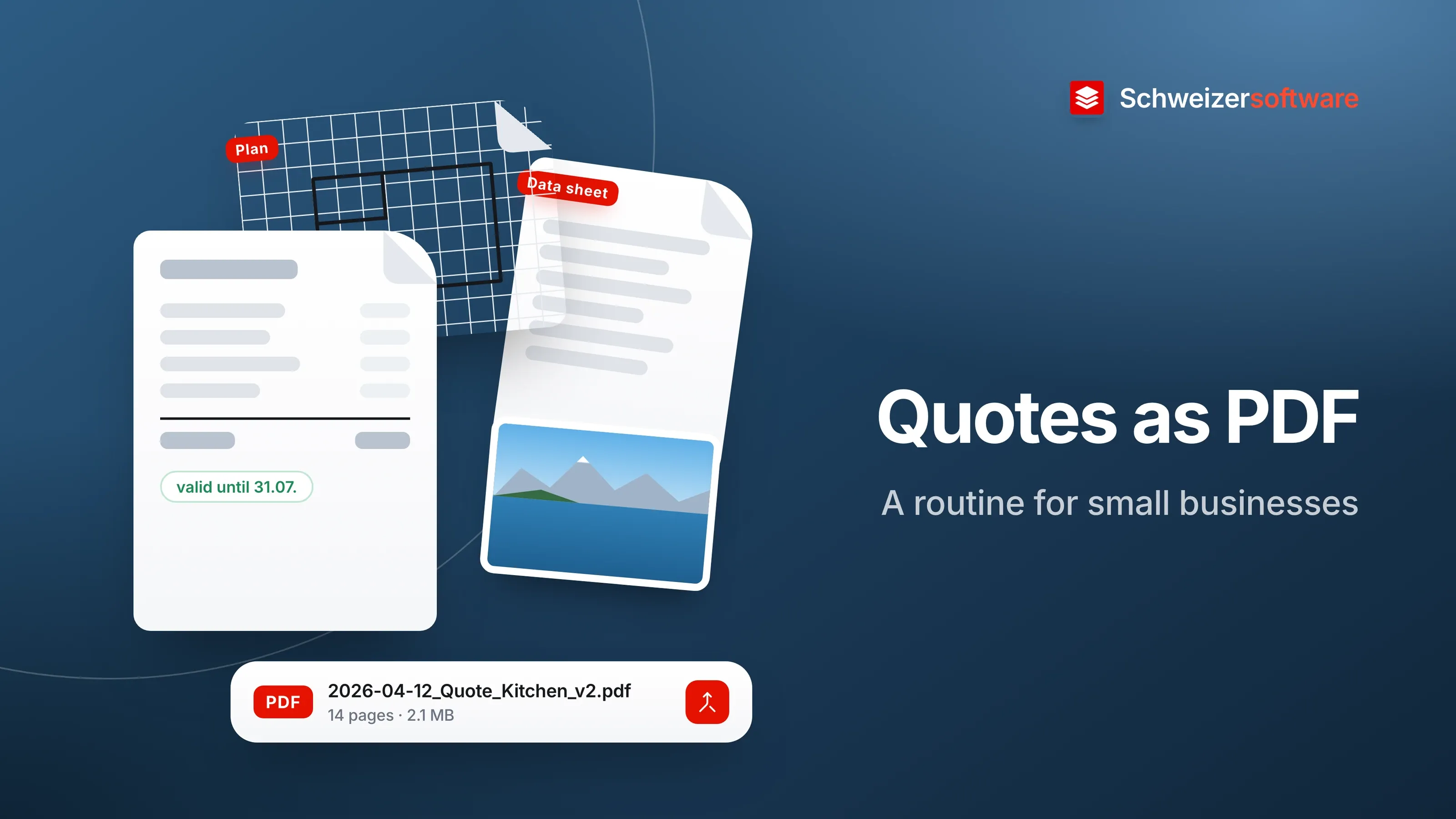
A joinery in Langenthal is quoting for a new kitchen. The quote comes with the floor plan, two elevations, the data sheets for the oven and the extractor hood, and a few photos of the room taken at the site visit. Until now, all this went out as seven separate attachments, sometimes in two emails because one alone was too large.
The customer then prints half of it, cannot find elevation B and asks whether the quote from March or the one from April applies. A fixed routine that ends in a single, ordered PDF saves such questions.
What a quote is in legal terms
In the sense of the Code of Obligations, a quote is an offer to conclude a contract. When it is accepted, the contract comes into being; this requires a mutual expression of intent by the parties, which may be express or implied (Art. 1 CO). Some provisions are particularly relevant to how a quote is drafted:
| Provision | What it says |
|---|---|
| Art. 3 CO | Whoever sets a deadline for acceptance remains bound by the offer until it expires |
| Art. 5 CO | Without a deadline, an offer to an absent party binds until a timely reply can be expected |
| Art. 7 CO | Whoever adds a statement declining to be bound is not bound |
| Art. 11 CO | Contracts only require a particular form where the law prescribes one |
For the quote itself, this mainly means: a line such as “This quote is valid until 31 July” has an effect, and so does a note such as “non-binding”. Which wording suits a particular job is a question for the business and, where appropriate, for a specialist.
Estimated or fixed price
Craft jobs are often contracts for work. The CO covers the case where the price was only roughly determined in advance: it is then set according to the value of the work and the contractor’s expenses (Art. 374 CO). If an agreed approximate estimate is exceeded disproportionately without any action by the customer, the customer may withdraw from the contract (Art. 375 CO).
For the quote, this means: it is worth making clear which items are fixed and which are estimated. A column or a short note next to the estimated items helps both sides talk about the same thing later.
From word processor to PDF
The quote is usually written in a word processor or industry software. As a PDF, it looks the same for the customer as for the business — whatever program the customer has. When saving as PDF, three things are worth a look:
- Fonts. If they are embedded, the quote looks the same on a device that does not have those fonts.
- Document properties. Title, author and comments travel into the PDF. A title “Kitchen quote Kunz family” is useful; an old title from the template less so. More on this in the post PDF metadata.
- Tracked changes. When saving as PDF, Microsoft describes the option of publishing the document with markup. For a quote, the clean version is usually what is meant.
The attachments in one file
A single PDF containing every part is easiest for the customer: open one file, leaf through, print, forward. An order that works well:
- Quote with items and conditions
- Plans and elevations
- Appliance data sheets
- Photos and notes from the site visit
Two things often stand out when merging. Plans are in landscape, the quote in portrait — rotating individual pages makes reading on screen more pleasant. And manufacturers’ data sheets sometimes run to twenty pages, of which two are relevant; the rest can be removed before merging.
File size
Photos from a current phone are often several megabytes, and so are high-resolution scans of plans. Seven of them in one PDF quickly make a file that some mailboxes no longer accept. Two adjustments help:
- Shrink photos before they go into the PDF. To give an impression of the room, a resolution that looks good on a screen is enough. To show a detail, such as a water connection, crop the photo to that section.
- Compress the finished PDF. It is worth checking the plans: lines and dimensions should remain legible.
The photos from the site visit
Photos from a home often show more than the room: family pictures on the wall, post on the table, the view from the window. And the image file can contain the place where it was taken, in other words the customer’s address. The PDF may be forwarded to a partner, a bank or the property management. Two short steps before inserting them help: crop the photos to the relevant section and remove the metadata.
The first page
Some customers open a quote on their phone first. A first page that sums up the main points — what is being quoted, the total, which items are estimated, how long the quote is valid and which attachments follow — makes that first look easier. The details then follow in the items and attachments.
Versions and file names
Quotes change. The customer wants a different worktop, the oven is no longer available, and there is a second version. A file name with date and version — such as “2026-04-12_Quote_Kitchen_Kunz_v2.pdf” — makes sure both sides mean the same version. The quote itself can state which earlier version it replaces.
Acceptance
The law does not prescribe a particular form for most contracts (Art. 11 CO). In practice, some businesses still ask for written confirmation so that it is clear later which quote was accepted in which version. This can be a signed last page that comes back as a PDF or photo, or an email that refers to the quote number and version.
For the joinery in Langenthal
The joinery sets its routine: quote in the word processor, saved as PDF with embedded fonts; plans, the two relevant pages of the data sheets and three shrunk photos added behind it; the whole numbered throughout and compressed; sent as one file with date and version in the name. The validity period is at the top of the first page.
The PDF tools we are building will merge PDF files, rotate, remove and rearrange pages, convert Word and images to PDF and shrink files — processed in Switzerland, in memory, without any file being kept.
Sources
- 1.Obligationenrecht (OR, SR 220), namentlich Art. 1, 3, 5, 7, 11, 374 und 375 (checked on 25 September 2026)
- 2.Microsoft Support: Speichern oder Konvertieren in PDF oder XPS in Office Desktop-Apps (checked on 25 September 2026)
Be told when it launches
This idea is still being planned. Sign up and we will write to you once, when it becomes an app. Signing up is non-binding – no newsletter, no advertising.
View the idea