
Image tools5 min read
Location in a photo: removing metadata before you share
What a photo can contain besides the picture, how to see and remove the place it was taken, and why the subject can still give something away.
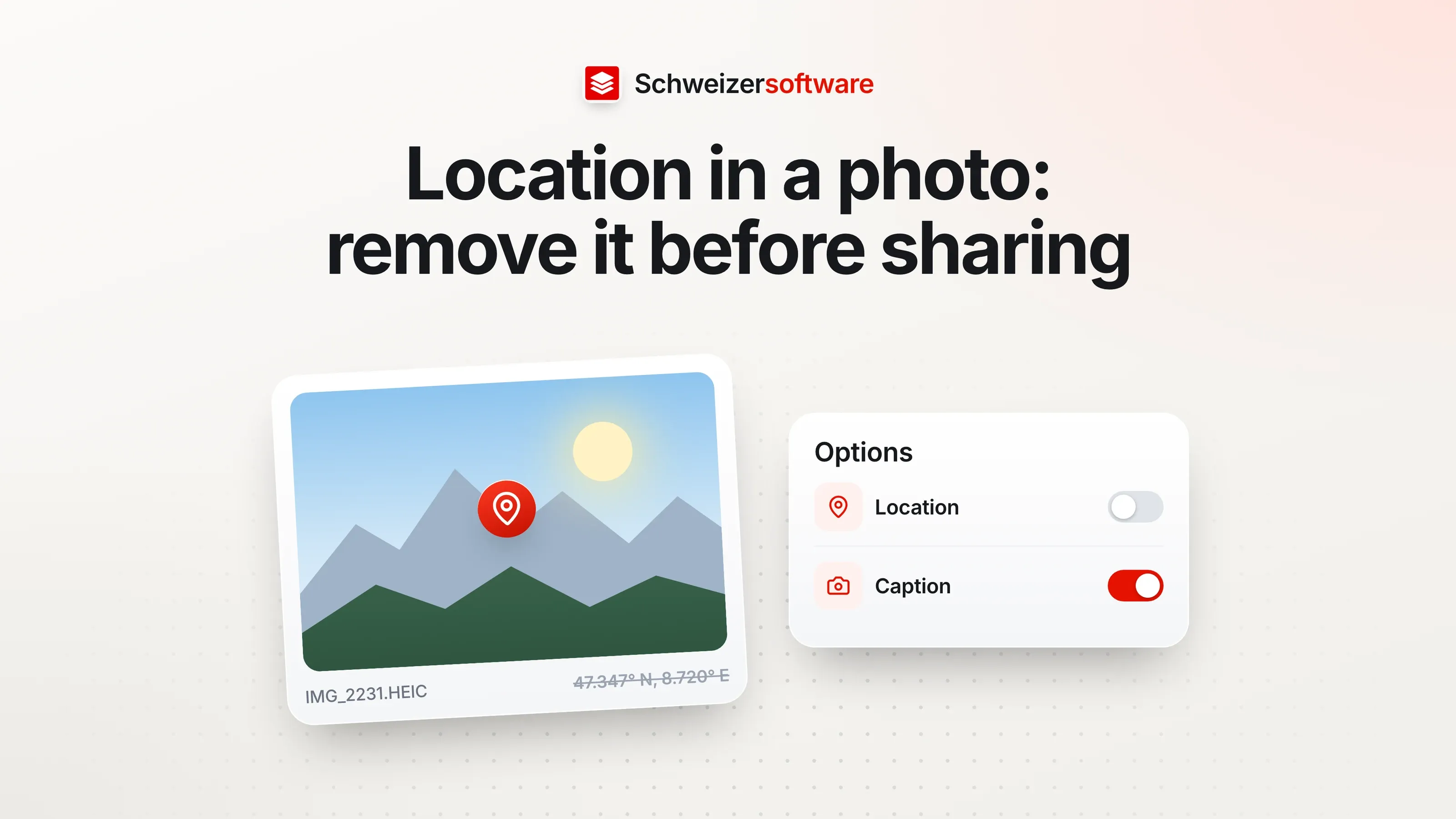
A family in Uster is selling a pram. The mother photographs it in the living room, puts three pictures in a listing and emails two more to an interested buyer. Only the pram is visible in the pictures. The files say more: the date, the phone model and, as coordinates, where the living room is.
That is not a fault of the phone. It is a feature many people value, because photos can later be searched by place. When sharing with strangers, though, it is worth knowing that it exists — and how to turn it off.
What a photo contains
Most cameras and phones write additional information into every image file. The common format for this is called Exif, a standard of CIPA, the Japanese camera and imaging industry association; the current edition is version 3.1. Microsoft mentions in its documentation on the HEIF format that images can contain Exif or XMP metadata from which, for example, the camera model can be read.
Apple describes the location in more detail: if Location Services are on for the Camera app, information from the mobile network, Wi-Fi, GPS and Bluetooth is used to determine the location. These coordinates are embedded in every photo and video.
Typical details in a phone photo:
| Detail | Example | Why it is there |
|---|---|---|
| Time taken | 14.06.2026, 17:42 | Sorting by date |
| Device | Phone model, lens | Technical details of the shot |
| Location | Coordinates of where it was taken | Search by place, map view |
| Exposure | Aperture, shutter speed, ISO | Photographic details |
When it matters
Apple puts it plainly: anyone who shares photos with location metadata may allow the recipients to access that data and find out where the photos were taken.
For most pictures this is irrelevant. The photo of the summit cross reveals a place everyone knows anyway. It is different for pictures taken at home that go to strangers: listings, photos for rental platforms, pictures in forums, photos of children. And for businesses, pictures that employees take at home, for social media for example.
How to check
On iPhone or iPad. Apple describes: open a photo in the Photos app and swipe up or tap the Info button. Under Collections, the map shows all pictures that contain location information.
On a Mac. Select the pictures in the Photos app and open the information.
In Google Photos. According to Google, a photo’s info view shows where it was taken. Google distinguishes between locations saved by the camera and approximate locations that Google Photos works out itself from landmarks in other photos.
Removing and preventing it
Apple names three routes, depending on what you want to achieve.
For an existing photo. On the iPhone, open the photo, bring up the info, choose Adjust Location and then No Location. On the Mac: Image › Location › Hide Location.
Only when sharing. When sharing from the Photos app, tap Options and turn off Location. The photo in your own library keeps its place; the shared copy does not.
For future photos. Under Settings › Privacy & Security › Location Services › Camera, choose Never. Then no location metadata is recorded at all.
What the subject still gives away
Metadata is only part of it. Google notes in its help that a location can be recognised from the subject even if you have set that others cannot see it — from a landmark in the background, for example.
For the Uster listing, this means: the view from the window of a distinctive church, the house number sign on the door or an addressed letter on the chest of drawers reveal more than any coordinate. A look at the framing before uploading is therefore as important as a look at the metadata. A tight crop on the object solves both at once.
What happens to metadata when editing
Cropping, rotating, resizing or converting change the picture. Whether the metadata is kept depends on the program: some carry it into the new file, some leave it out, some ask. If in doubt, look at the file’s information again after editing.
The same goes for the route by which a photo is sent. Apple describes a dedicated switch when sharing from the Photos app; Google notes that the settings in Google Photos do not apply when a photo is downloaded and sent another way. The rule of thumb: the setting applies to the route in which it was made, not to every other one.
For businesses
Businesses share photos every day too: product pictures, reference projects, team photos. Some situations deserve particular attention:
- Reference photos at clients’ homes. A trades business that shows a renovated kitchen on its website shows the client’s house along with the coordinates.
- Photos from home. Anyone photographing at home for the company’s presence may pass on their own address.
- Photos of employees. Here, beyond the place, it is about the person; that is a topic of its own with its own rules.
- Clubs, childcare centres, schools. Where children or members are shown, the question of place is joined by the question of the person. For associations, the FDPIC states that photos require the consent of the people concerned and that it can be withdrawn at any time. A camp photo that goes online without a location but with recognisable children has not yet answered the more important question.
A simple habit — turning off location when sharing, or removing metadata before uploading — almost entirely solves the first point.
In short
For the family in Uster, two steps are enough: turn off location when sharing the listing pictures, and choose the framing so that only the pram is visible.
The image tools we are building will show, before download, which metadata an image contains — location, date, camera — and remove it on request. The app will process images in Switzerland, in memory, without storing them; for private photos, a confidential mode will do selected jobs directly on your own device.
Sources
- 1.Apple Support: Standortmetadaten in der App «Fotos» verwalten (checked on 25 September 2026)
- 2.Google Fotos-Hilfe: Standorte bei Fotos (checked on 25 September 2026)
- 3.EDÖB: Datenschutz in Vereinen (checked on 25 September 2026)
- 4.CIPA: Standards (DC-008, Exif Version 3.1) (checked on 25 September 2026)
- 5.Microsoft Learn: HEIF-Erweiterungscodec (checked on 25 September 2026)
Be told when it launches
This idea is still being planned. Sign up and we will write to you once, when it becomes an app. Signing up is non-binding – no newsletter, no advertising.
View the idea