
Image tools5 min read
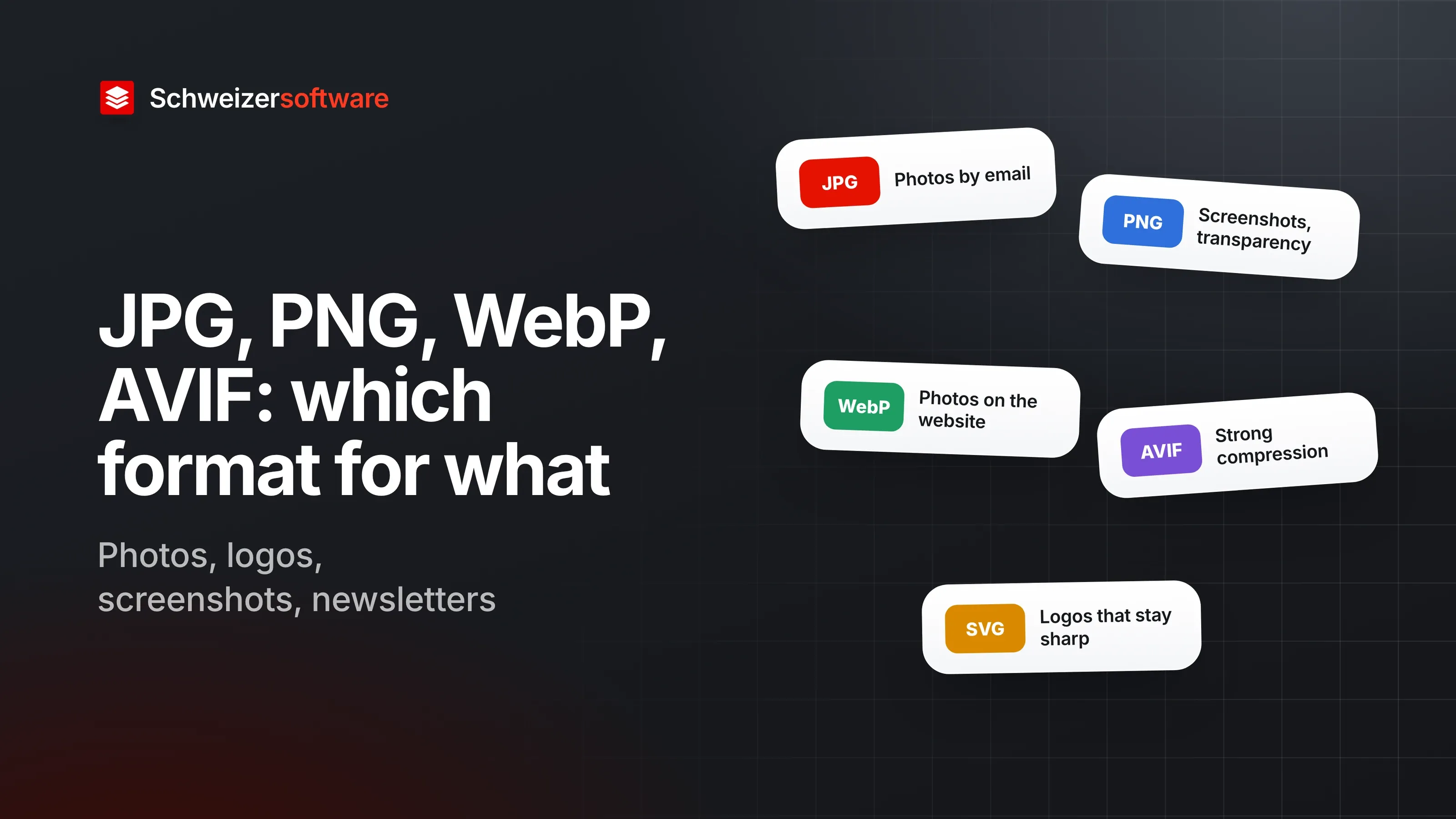
JPG, PNG, WebP, AVIF: which image format for what
Which image format suits photos, logos, screenshots and newsletters, which browsers display WebP and AVIF, and when JPEG and PNG remain the safe choice.
A gymnastics club in Aarberg needs images in many places: on the website, in the newsletter, on the flyer for the gymnastics festival, in the report to the municipality. The club secretary receives photos as HEIC, the logo as a JPG with a white border and screenshots of the sign-up page as PNG. So far, which format goes where has been a matter of gut feeling.
There is no single right answer, but there are a few clear lines. They depend on what is in the image and where it appears.
The formats at a glance
MDN, Mozilla’s developer documentation, describes the common formats as follows:
| Format | Strength | Limitation |
|---|---|---|
| JPEG | Photos and images with soft gradients | lossy, no transparency |
| PNG | accurate reproduction, transparency | large files for photos |
| GIF | simple animations | at most 256 colours |
| WebP | images and animations, smaller than JPEG or PNG | not recognised everywhere in older environments |
| AVIF | high compression for images and animations | no progressive rendering while loading |
| SVG | graphics that stay sharp at any size | only for drawn shapes, not for photos |
How lossless and lossy compression work is described in the post Lossless or lossy.
By use
For the gymnastics club, this gives an allocation by purpose:
| Use | Obvious format | Why |
|---|---|---|
| Photos on the website | WebP or AVIF, JPEG as a fallback | small files at good quality |
| Logo on the website | SVG, otherwise PNG | sharp edges, transparency |
| Screenshots, instructions | PNG or lossless WebP | lettering stays sharp |
| Photos in the newsletter or by email | JPEG | widespread and readable by most programs |
| Flyers and print | as specified by the print shop | requirements for resolution and colours |
What browsers display
For websites, the most important question is whether browsers know a format. MDN lists the support: WebP is displayed by all versions of Chrome, Edge, Firefox, Opera and Safari, although Safari on the Mac needs at least version 14 and macOS Big Sur. AVIF is displayed by Chrome from version 85, Edge from 121, Opera from 71, Firefox from 93 and Safari from 16.1. JPEG XL, a newer format, is supported by Safari from version 17; in Chrome, according to MDN, it is only available through an experimental setting.
For raster images on the web, MDN therefore recommends WebP or AVIF first, and advises using the
<picture> element to offer a fallback in PNG or JPEG for browsers that do not know the newer
formats.
Logos and graphics
The logo with the white border is a typical case. As a JPEG it has no transparent background — JPEG has no alpha channel — and the traces of lossy compression show at the edges of the lettering. For logos, diagrams and icons that need to be drawn precisely at different sizes, MDN recommends the vector format SVG. Where only a raster graphic exists, PNG with a transparent background is the next best choice.
For the club, it is therefore worth asking the person who once designed the logo: there is often a vector version somewhere.
Screenshots
Instructions with screenshots — such as “How to sign up for the gymnastics festival” — contain a lot of lettering. MDN notes that with such images, blurring and colour fringes around text and sharp edges are clearly visible under lossy compression, and recommends lossless encoding. PNG or lossless WebP keep the lettering sharp.
Transparency and motion
Two properties narrow the choice further:
- Transparency. PNG, WebP and AVIF can store transparent areas, JPEG cannot.
- Animation. GIF can animate but is limited to 256 colours. MDN names WebP and AVIF as a good choice for animated images too.
Photos from an iPhone
Many of the club members’ photos arrive in HEIC format, the default format of newer iPhones. For the website, newsletter and print, they are usually converted into one of the other formats. What to bear in mind when doing so is described in the post Converting HEIC to JPG.
Converting is not renaming
Renaming a file from “photo.heic” to “photo.jpg” does not change the format — only the name. The data inside is the same, and some programs then refuse to open the file because name and content do not match. A different format needs a real conversion, in which the image is saved anew.
Print and archive
Print has its own rules. The print shop specifies which format, which resolution and which colour space it expects. Resolution there is often given in dpi, dots per inch on paper. An image that has been scaled down for the website is usually not enough for a flyer — which is why it is worth keeping the originals.
The same applies to the club’s archive: the originals stay at full size and in their original format, and every version for the website, newsletter or print is created from them afresh.
Size is part of it
The format is only one lever. web.dev, an information site by Google for web development, points out that a screen with double the pixel density needs four times as many pixels. A photo at full camera resolution stays large even as WebP. Scale down to the size needed first, then choose the right format: this order saves the most.
For the gymnastics club in Aarberg
The secretary puts a small table in the club folder: photos for the website as WebP with a JPEG fallback, photos for newsletters as JPEG, screenshots as PNG, and the logo as the SVG the graphic designer still had. For the flyer, they ask the print shop. The HEIC originals stay in a folder of their own.
The image tools we are building will convert images between JPG, PNG, WebP and HEIC, compress them and resize them — processed in Switzerland, in memory, without any image being kept, and in confidential mode entirely on your own device.
Sources
- 1.MDN Web Docs: Image file type and format guide (zuletzt geändert 22. September 2026) (checked on 25 September 2026)
- 2.web.dev: Choose the right image format (aktualisiert 13. August 2024) (checked on 25 September 2026)
Be told when it launches
This idea is still being planned. Sign up and we will write to you once, when it becomes an app. Signing up is non-binding – no newsletter, no advertising.
View the idea