
PDF tools6 min read
Merging receipts for your Swiss tax return into a PDF
How individuals and the self-employed prepare receipts for an online tax return in Switzerland: scan, sort, merge and bring them to the size the canton accepts.
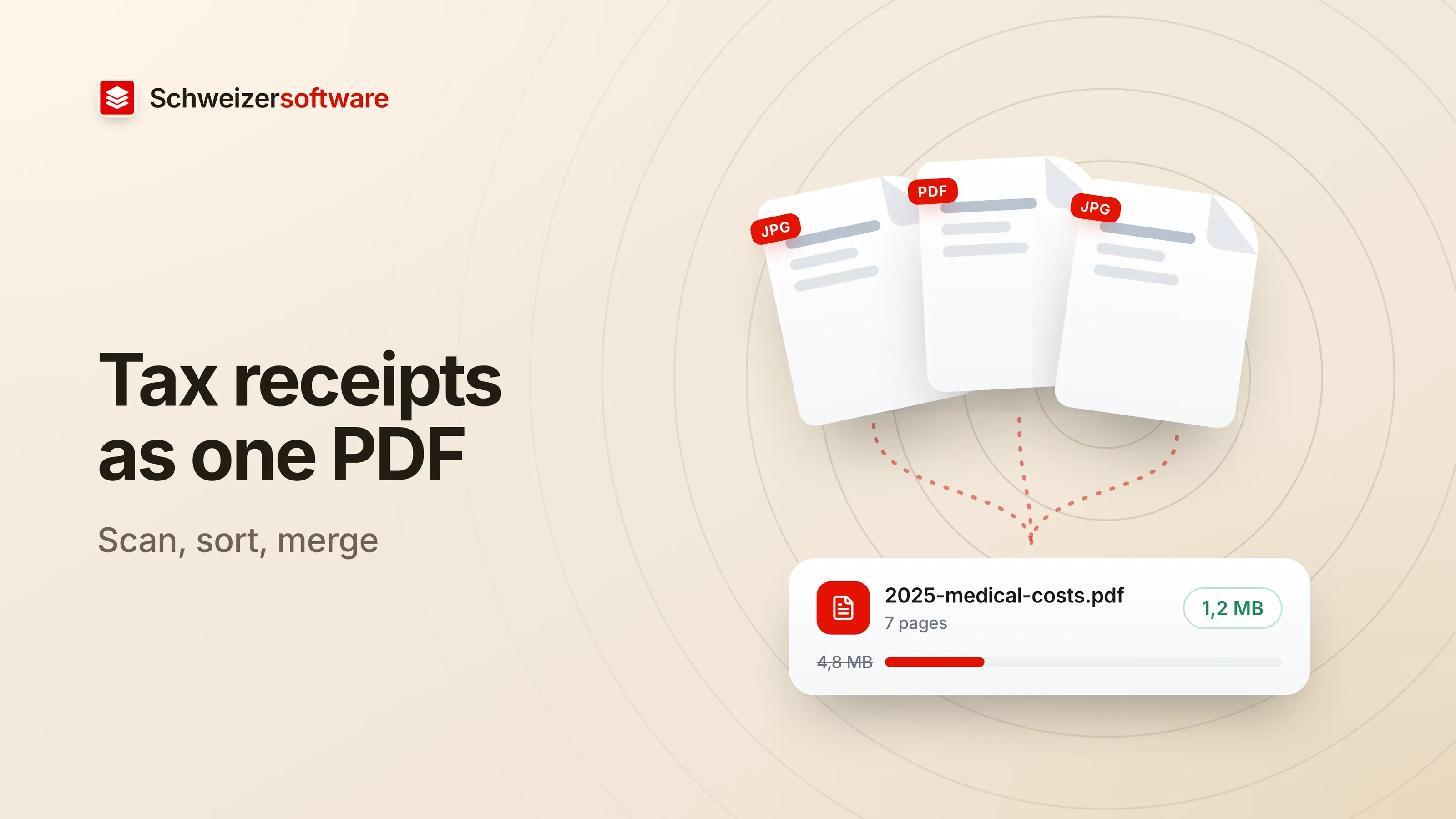
In March, an envelope sits on a kitchen table in Winterthur: the salary certificate, two pillar 3a statements, dental bills, a donation receipt, proof of a training course. The tax return is filled in online, and the receipts go with it. On paper that is twenty-three sheets; on the phone, soon just as many photos of varying quality.
Which receipts belong in a tax return is answered by the canton’s guidance; it is not the subject of this post. This is about the craft afterwards: turning a pile of paper into files the portal accepts, that can be read, and that you can find again in a year.
How cantons accept receipts
Each canton decides how receipts are submitted. Two examples show how similar and how different the solutions are.
Canton of Zurich. According to the canton’s page on the tax return, PDF files can be uploaded to ZHprivateTax by drag and drop. Receipts that exist only on paper can be photographed with a smartphone straight into the online tax return. The canton distinguishes mandatory receipts, without which the return cannot be submitted, from optional ones, and recommends getting receipts as PDFs where possible instead of photographing them.
Canton of Bern. In its answers about BE-Login, the tax administration lists PDF, PNG and JPG as formats, up to 5 MB per document. Multi-page documents can be uploaded from a computer as a single PDF. With a smartphone, each page is photographed separately; the system then combines them into one PDF.
For both: the limit is per document, and a document is whatever you upload. A single PDF with all twenty-three pages may hit a size limit; twenty-three single photos make the review tedious. In between lies an order that works well: one PDF per type of receipt.
Sort before you merge
The cantons’ online forms ask for receipts where the amount is entered: the salary certificate with income, the 3a statement with deductions. That structure can be reused.
| Group | Typical contents |
|---|---|
| Income | Salary certificate, pension or daily-allowance statements |
| Pension savings | Pillar 3a statements |
| Medical and dental costs | Bills, health insurer statements |
| Training | Course confirmations, invoices |
| Donations | Receipts |
Within a group, a fixed order helps, for example by date. So does a file name that
says what is inside without opening it: 2025-medical-costs.pdf is easier to find in
a year than Scan_0047.pdf.
The table is a working order, not a list of what is deductible or must be submitted. That is in your own canton’s guidance.
Scanning and photographing
Many receipts already arrive as PDFs: the salary certificate from the payroll software, the 3a statement from e-banking, the dentist’s bill by email. These files are usually small and sharp because they were never paper. It pays to collect them first — the canton of Zurich recommends the same.
For the rest, the canton of Zurich gives practical tips for photographing: good light, a background that contrasts with the receipt, the whole sheet in the picture, and a check of the image quality before uploading.
Merging and reducing
Turning single pages into one PDF is possible with built-in tools. On the Mac, Apple describes how to combine pages from several PDFs into one document in the Preview idea: show thumbnails, drag pages into the other document’s sidebar, arrange the order. Apple points out that Preview saves changes automatically and recommends duplicating the originals first.
If the result is too large, it is almost always because of the photographed pages. A photo at full camera resolution contains far more pixels than a receipt needs to be read. Reducing mostly means scaling those images down — the text of a genuine PDF page is already compact. After reducing, look at the smallest amount on the page: if it is still clearly legible, the balance is right.
When the portal rejects a file
It usually comes down to one of a few causes, most of which can be seen in the file itself.
- Too large. The limit is per document — 5 MB in the canton of Bern, for example. A group with many photographed pages can be split, say into “medical costs January to June” and “July to December”, or the images in it reduced.
- Wrong format. A photo in HEIC, the format newer iPhones save, is not among the formats the canton of Bern lists. Exported as PDF or JPG, it can be uploaded.
- Password-protected. Some documents from e-banking or insurers only open with a password. A portal that needs to read the content cannot use them. Printing to PDF or exporting without a password solves that.
- Pages turned. Receipts photographed sideways are not a technical error, but they are tedious for the person reading them. Pages can be rotated before merging.
A quick look through the finished file before uploading saves most of these detours: are all pages there, in the right order, legible and the right way up?
An example from Winterthur
The family with the envelope manages with five files. The salary certificate and the 3a statements were already PDFs and are merged into one file each. The dental bills and the health insurer’s statements — some PDF, some photographed — make the third file, which stays under the limit once the photos are reduced. Training and donations follow as the fourth and fifth. The file names start with the tax year.
Next year the folder looks the same, and the work no longer starts with the envelope.
What these files contain
Tax receipts are among the documents with the most information about a person in the smallest space: salary, AHV number, address, bank details. Doctors’ and dentists’ bills contain information about health, which the Swiss Data Protection Act classes as sensitive personal data (Art. 5 let. c no. 2 FADP).
That is no argument against digital receipts — on the contrary, a well-sorted PDF collection is easier to keep than an envelope. But it is a reason to think about whose hands the files pass through on their way to the canton. Anyone who uses an online service to merge them uploads these pages to someone else’s servers; where those are and how long the files stay there is set out in each service’s terms. Programs on your own device, such as Preview on the Mac, need no such detour.
For next year
What saves the most time happens during the year: a folder on the computer into which every bill and every statement goes as a PDF as soon as it arrives. In March, only the merging by group is left.
The PDF tools we are building will cover exactly these steps: merging, arranging and reducing. The app will process files in Switzerland, in memory, without any file being kept — and for receipts like these, a confidential mode will do the merging entirely on your own device.
Sources
- 1.Kanton Zürich: Steuererklärung Privatpersonen (checked on 25 September 2026)
- 2.Kanton Bern, Steuerverwaltung: Antworten zu BE-Login (checked on 25 September 2026)
- 3.Apple Support: Kombinieren von PDFs in der Vorschau auf dem Mac (checked on 25 September 2026)
- 4.Bundesgesetz über den Datenschutz (DSG, SR 235.1) (checked on 25 September 2026)
Be told when it launches
This idea is still being planned. Sign up and we will write to you once, when it becomes an app. Signing up is non-binding – no newsletter, no advertising.
View the idea