
PDF tools5 min read
The QR-bill as a PDF: what counts when creating and sending it
What the Swiss Implementation Guidelines say about the QR-bill as a PDF: dimensions, fonts, dividing lines and scissors symbol, structured addresses.
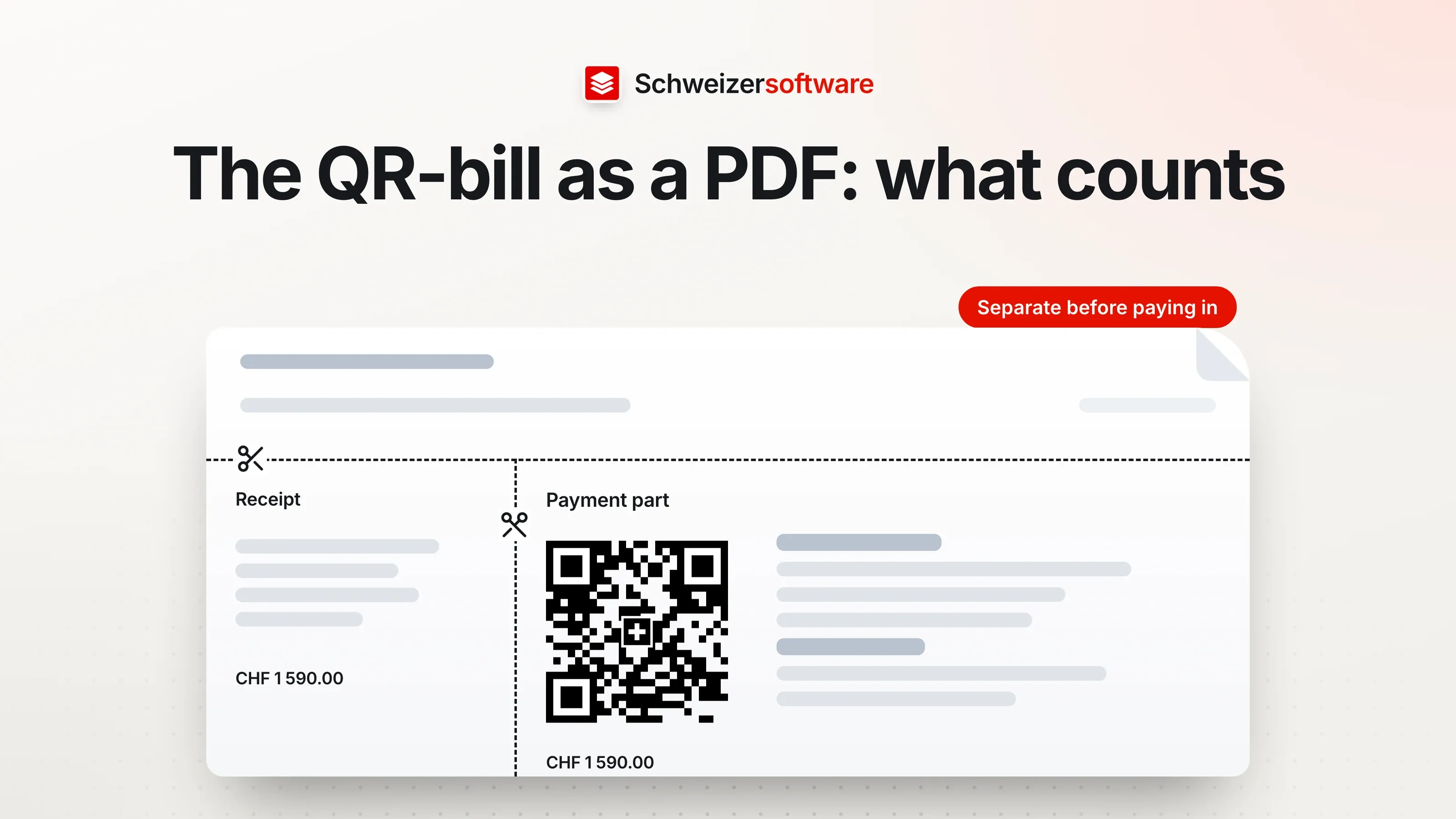
A painting business in Burgdorf writes its invoices with accounting software. Most go out as a PDF by email, some as a letter to customers who prefer paper. Now a customer gets in touch: they printed the invoice and posted the payment part to their bank, and the order came back. On the printout, the payment part was slightly smaller than the original.
The QR-bill has precise rules, and most of them concern the PDF in particular. They are set out in the Swiss Implementation Guidelines published by SIX; version 2.3 has applied since 21 November 2025.
What the QR-bill is
The QR-bill consists of the invoice itself and a payment part with a receipt. The payment part carries the Swiss QR Code, which contains all the payment details. According to the guidelines, it is usually sent on paper or electronically as a PDF. The recipient can then pay in several ways: in e- or m-banking, with a paper payment order, at a post office counter or through their own accounting software.
The dimensions
The guidelines lay down the design of the payment part precisely:
| Element | Requirement |
|---|---|
| Payment part | A6 landscape, 148 × 105 mm |
| Receipt | 62 × 105 mm, to the left of the payment part |
| Together | 210 × 105 mm, the width of an A4 sheet |
| Swiss QR Code | always 46 × 46 mm when printed, with a 5 mm quiet zone |
| Swiss cross in the code | 7 × 7 mm, centred |
| Fonts | Arial, Frutiger, Helvetica or Liberation Sans, black |
| Font size | 6 to 10 pt; the title “Payment part” 11 pt bold |
Some principles are added: the payment part sits at the bottom edge of the invoice, with the receipt to its left at the same height. Only the intended headings and details may be printed. And the payment part may not be used for advertising; the back stays blank.
When the invoice is sent as a PDF
There is a separate chapter for the PDF. If the QR-bill is created as a PDF and sent electronically, the format of the payment part and the receipt must be marked by lines. Each of these lines also carries a scissors symbol or, alternatively, the note “Separate before paying in” above the line.
The reason: anyone who prints the invoice and sends it to the bank by post or pays at the counter should know where to cut. But the guidelines also state that QR-bills in PDF format are only suitable for payments in e- and m-banking, not for paper-based payments at the counter. If a PDF is printed, the format requirements must be met.
On paper, this is regulated differently: there, perforation between the invoice and the payment part and between the payment part and the receipt is mandatory, even if the payment part is enclosed separately. In the PDF, the lines take over this role. This also applies when the payment part with receipt is enclosed with an invoice as a separate PDF.
When the PDF is processed further
Invoice PDFs are often processed further: merged with attachments, shrunk, archived. Some requirements deserve attention along the way:
- The QR code is a vector graphic. The guidelines require the code to be scaled to 46 × 46 mm on the basis of a vector graphic so that its quality is preserved. A tool that converts every page into low-resolution images when shrinking a file can make the code blurry.
- The modules have a minimum size. For reliable scanning, each module of the code needs to be at least 0.4 mm when printed.
- The page stays an A4 page. If the invoice is merged with attachments, the page with the payment part stays unchanged — not rotated, not scaled, not shrunk to two pages per sheet.
The amount
The amount follows fixed rules too. Swiss francs and euros are supported; the code “CHF” or “EUR” stands before the amount. A space serves as the thousands separator, a full stop as the decimal separator, and there are always two decimal places — for example CHF 1 590.00. If the code contains no amount, for instance on a payment slip for donations, an empty 40 × 15 mm box with black corner marks is provided, in which the payer writes the amount by hand.
The QR-bill on screen
Version 2.3 contains a new chapter for businesses that display the payment part directly in an online channel, such as a customer account. There, the receipt may be left out. Customers must, however, be able to obtain the complete QR-bill with receipt if they want to pay at the counter or with a payment order. If a screen, such as a phone’s, is not large enough for the whole payment part, all details must still be visible. And the biller states explicitly that such a payment part is only intended for payments via e-banking, m-banking or software.
Addresses and language
With version 2.3, the option of combined address fields has been removed; the data structure provides for the structured address, with street, building number, postcode and town in separate fields. For businesses that create their invoices with software, this is mainly a question for the software provider.
The QR-bill can be created in German, French, Italian or English; the choice is left to the biller. The guidelines list the terms in all four languages, from “Payment part” to the note “Separate before paying in”.
Invoices that should not be paid
Sometimes a QR-bill is only meant to inform, for example because the amount is collected by direct debit. The guidelines provide a separate case for this: amount 0.00 and, in the “Additional information” field in capital letters, “DO NOT USE FOR PAYMENT” — in the correspondence language of the invoice.
For the painting business in Burgdorf
The business checks its template: the dividing lines with scissors symbols are there, the code is embedded as a vector graphic, the font is Arial. When merging with the work report, the invoice page stays unchanged. And the email to customers includes a sentence saying that the invoice is intended for payment in e-banking and, if printed, should be printed at actual size.
The PDF tools we are building will merge, split and shrink PDF files — processed in Switzerland, in memory, without any file being kept.
Sources
- 1.SIX: Swiss Implementation Guidelines for the QR-bill, Version 2.3, valid from 21 November 2025 (checked on 25 September 2026)
Be told when it launches
This idea is still being planned. Sign up and we will write to you once, when it becomes an app. Signing up is non-binding – no newsletter, no advertising.
View the idea