
Nail studio10 min read
Nail salon software: what to check before you choose
Booking by service, refill reminders, client records, design photos, supplies and QR-bill: criteria for choosing nail salon software, with no ranking.
Updated on
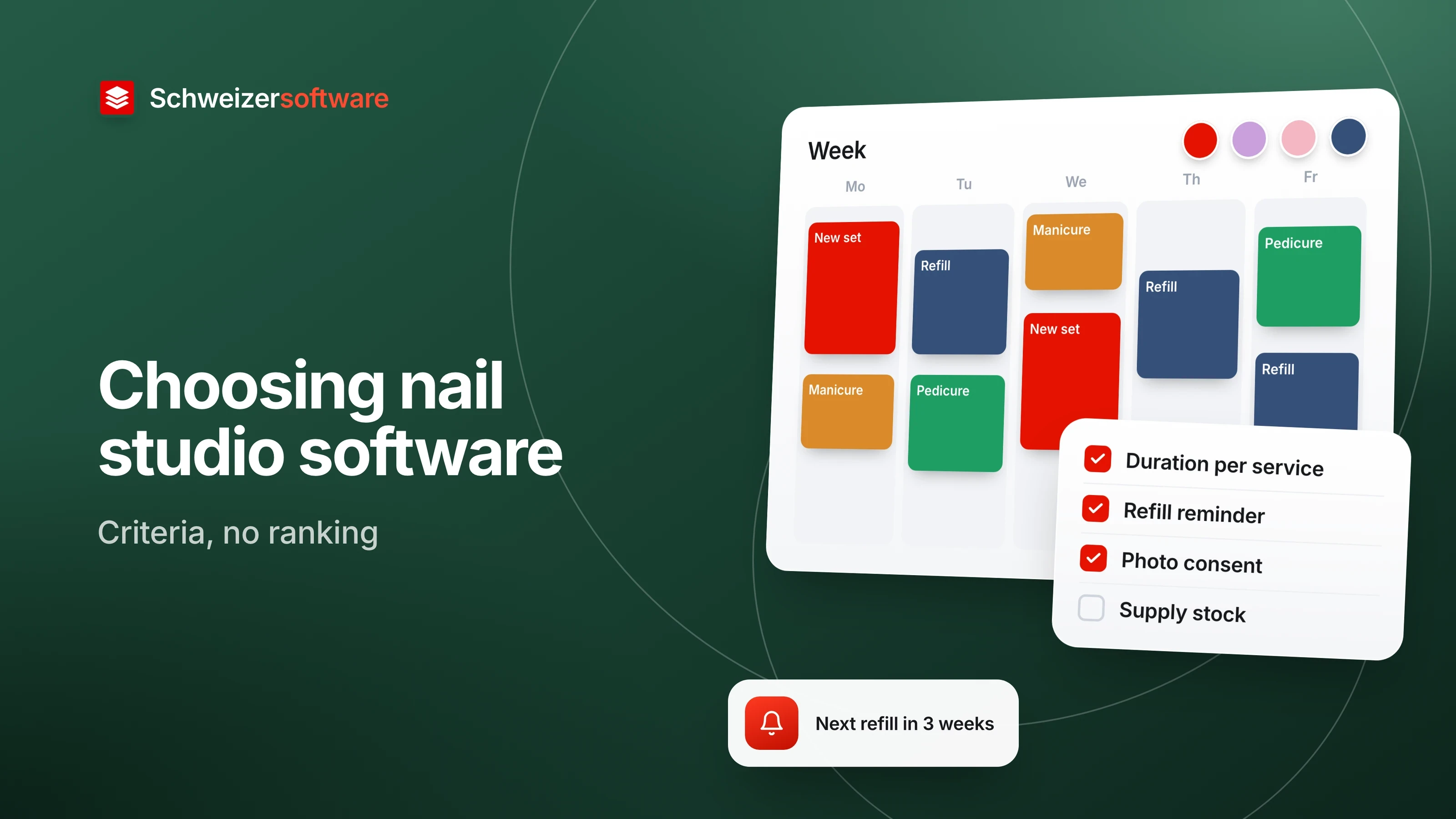
A nail studio in Baden: two stations, one owner, one employee three days a week. The appointments are in a paper diary, the phone numbers in a mobile phone, and which colour Ms Keller had last time is known only to whoever served her. Software is supposed to bring order to this. After an evening on vendors’ websites, though, mostly one thing is clear: almost every one of them says it suits “beauty and wellness”.
Whether it suits a nail studio shows in details that a general booking calendar does not know: treatments of very different lengths, a rhythm of refill appointments, photos of designs, supplies that can run out. This article collects criteria for that. It names no vendors and crowns no winner. General questions such as cantonal public holidays, languages and SMS costs are left aside; this one is about what makes a nail studio special.
Write down your own services first
The most useful preparation is a list of all services with the time they actually take in your own studio. Not the time from the course, but the time from last month. In the Baden studio it looks roughly like this:
| Service | Duration in the example | Special feature |
|---|---|---|
| New gel set | 2 hours | First appointment, often with a consultation |
| Refill | 75 minutes | Recurring, at the client’s own rhythm |
| Manicure with polish | 45 minutes | Also for walk-in clients |
| Pedicure | 60 minutes | Different station, different equipment |
| Design per nail | 5 minutes | Add-on to another service |
| Removal | 30 minutes | Sometimes alone, sometimes before a new set |
With this list, most criteria can be checked in a few minutes during a trial period. It also shows how many services a piece of software has to handle and which of them can be combined.
Appointments by service and duration
A calendar that only knows fixed 30- or 60-minute slots forces the studio to extend every new set by hand. So what can be checked is whether the duration is attached to the service and not to the appointment.
Duration per service. If a client books “Refill” online, does the software reserve 75 minutes by itself? Can the duration be set differently per team member, if one works faster than the other?
Add-on services. Do design, reinforcement or removal come on top of a main service, and does the appointment lengthen accordingly? Or does the client have to book two appointments back to back?
Stations. A pedicure often needs a different station from a manicure. Can the software tie an appointment to a station, so that two pedicures do not end up on one chair at the same time?
New and returning clients. Some studios let a new set be booked online only after a first conversation, but leave refills open. Can you define which services are visible to new clients?
The refill rhythm: reminder or follow-up appointment
What sets a nail studio apart from many other appointment-based businesses is the rhythm. After a new set, a refill is due in a few weeks, and then again. How long the interval is gets agreed by the studio and the client; software can only reflect it.
Two approaches are common, and software may support one or both:
- Follow-up appointment at the till. After the appointment, the software suggests a day at the right interval, and the client takes it with her straight away. What can be checked is whether the interval can be saved per client and whether the software shows free slots that week.
- Reminder later. If the client did not take an appointment with her, she receives a message after a certain time with a link to book. What can be checked is whether the timing can be set per client or per service, and whether the reminder is dropped as soon as she has booked herself.
This is different from the reminder for an appointment that is already booked. That one helps against missed appointments; what businesses otherwise do about them is a topic of its own.
Client records: history, colours and intolerances
A good record answers three questions at the station: what did the client have last time, what was used, and is there anything to be aware of? What can be checked is whether you can note for each appointment which service, which colour and which design it was, and whether the next team member sees this without searching.
The third point deserves care. If a client mentions an intolerance or an allergy, that is information about her health. Under the Swiss Federal Act on Data Protection (FADP), data on health counts as particularly sensitive personal data (Art. 5 let. c FADP). Where consent is required to process it, it must be explicit (Art. 6 para. 7 FADP). Personal data may also only be collected for a recognisable purpose and processed proportionately (Art. 6 FADP).
This yields criteria that can be checked in any trial period:
- Is a field for intolerances optional, or does the booking form demand it from every client?
- Can you restrict who in the studio sees this information?
- Can the entry be deleted on its own without losing the whole history?
- Does it appear where it is needed, at the station, and not in the appointment confirmation by e-mail?
Design photos and consent
Many studios photograph a successful design: for the record, so it can be repeated next time, or for the website and social media. According to the Federal Data Protection and Information Commissioner (FDPIC), photos count as personal data as soon as the people in them are recognisable; whether that applies to a picture of hands depends on the individual picture. In case of doubt, the FDPIC recommends obtaining consent. It also states that everyone has a right to their own image and that consent can in principle be withdrawn at any time.
For the software, this means keeping two uses apart:
| Use | The question for the software |
|---|---|
| Photo in the client’s record | Can it be linked to the appointment and seen internally only? |
| Photo in gallery, website, social media | Can you record whether and for what the client has consented? |
| Withdrawal | Can a photo be removed from the gallery quickly on request? |
| Storage location | Are the photos with the vendor or on the team member’s phone? |
The last row is often overlooked. Photos that stay on an employee’s private phone are hard for the studio to manage when she leaves.
Supplies and stock
A nail studio works with many small items: gels in dozens of colours, primer, files, tips, care oil. Pure booking software knows nothing about them. Whether that matters depends on the studio; some prefer to keep stock in a simple spreadsheet. If you want it in the software, you can check:
- Can items be recorded with stock and a minimum quantity?
- Is a reorder list produced when an item falls below the minimum?
- Can you note for an appointment which colour was used, so that it appears in the client’s record?
- Can the studio sell care products and bill them on the same receipt?
Receipt, QR-bill and records
Most appointments are paid in cash or by card. What can be checked is whether the software issues a receipt in CHF for this and whether services and products sold can be listed separately on it.
For gift vouchers, company events or clients who prefer to pay later, an invoice is needed. In Switzerland, that is the QR-bill: according to SIX, it finally replaced the payment slips on 1 October 2022, and its Swiss QR Code contains all the information needed for payment in digital form. Software that creates invoices can therefore be measured by whether it produces a QR-bill in CHF. What such an invoice looks like as a PDF is shown in The QR-bill as a PDF.
For account books and accounting vouchers, the Code of Obligations (OR) sets a retention period of ten years and permits electronic retention if the records can be made legible again at any time (Art. 958f OR). For your choice, this becomes a simple question: can receipts and invoices be exported as PDF or spreadsheet, even after a switch?
Data location, contract and export
When a studio gives its client records to a software vendor, the vendor processes the data on its behalf. The FADP allows this if the data is processed only as the studio itself would be allowed to, and the studio makes sure in particular that the vendor can guarantee data security (Art. 9 FADP). Which questions you can ask about this and where the answers are found is described in Questions for your software provider.
For nail studios there is one more practical point: export. Under certain conditions, a client can request that the data she has disclosed be handed over to her in a common electronic format (Art. 28 FADP). The same question matters to the studio in its own interest: do records, history and photos come out again if it ever switches?
The criteria at a glance
| Area | The question behind it | How to check it |
|---|---|---|
| Services | Duration per service and team member, add-ons, stations? | Enter your own service list |
| Refills | Follow-up appointment with interval per client, reminder if none booked? | Three test clients with different rhythms |
| Records | History, colour and design visible per appointment? | Enter two appointments and compare them |
| Intolerances | Optional, restricted visibility, deletable on their own? | Test the permissions as a team member |
| Photos | Linked, consent recorded, quickly removable? | Upload a photo and remove it again |
| Supplies | Stock, minimum quantity, reorder list? | Book an item below its minimum |
| Receipts | Receipt and QR-bill in CHF, export as PDF? | Create a test invoice |
| Data location and export | Where is the data, do records and photos come out again? | Read the privacy page, try an export |
The order is not a ranking. For a nail technician working alone in Lugano, the question about team permissions falls away; for a studio with three stations in Bern, it may come first.
What the check can look like in practice
A trial period tells you most when it starts with real cases: a new client’s first set, her first refill three weeks later, a client with an intolerance, a design she would like to see on Instagram and one she would rather not show. It also helps to look from the other side: book a refill once as a client on a phone, and cancel it again.
Some studios note down, for every answer, the page it came from and the date. Vendors’ statements change, and a dated note can be refreshed in a few minutes later.
The web app for nail studios that we are working on will be measured against the same rows: a booking link for Instagram and WhatsApp, refill prices by weeks since the last set, a price builder for length, finish and nail art, requests with inspiration photos, a deposit for new clients, a nail card for every visit, the next appointment in one tap, and payment in cash, by TWINT or with a QR-bill in CHF.
Sources
- 1.Bundesgesetz über den Datenschutz (DSG, SR 235.1), Art. 5, 6, 9 und 28 (checked on 10 October 2026)
- 2.EDÖB: Umgang mit Fotos (checked on 10 October 2026)
- 3.Obligationenrecht (OR, SR 220), Art. 958f (checked on 10 October 2026)
- 4.SIX: QR-Rechnung (checked on 10 October 2026)
Be told when it launches
This idea is still being planned. Sign up and we will write to you once, when it becomes an app. Signing up is non-binding – no newsletter, no advertising.
View the idea