
PDF tools6 min read
Comparing PDF tools: criteria for Swiss SMEs
Where the file is processed, how long it stays, what happens to text, redactions and tags: a list of criteria for choosing a PDF tool, without a ranking.
A physiotherapy practice in Schaffhausen works with PDF every day: prescriptions are scanned, reports go out to doctors, invoices are merged with their attachments. So far, each of the four therapists uses a different tool — one that came with the computer, one from the internet, one a colleague recommended. The practice manager would like to agree on a single one.
A ranking is of little help here, because which tool fits depends on the documents the practice handles. More useful is a list of questions that can be put to every candidate.
The criteria at a glance
| Criterion | The question | Where the answer is |
|---|---|---|
| Where processing happens | On the device, in the browser or on a server? | Product description, FAQ |
| Retention | How long do uploaded files stay, with and without an account? | FAQ, security page |
| Registered office and servers | Where is the provider based, where are the servers? | Legal notice, privacy policy |
| Subcontractors | Who else is involved, such as data centres or cloud services? | Privacy policy, contract |
| Contract | Is there a data processing agreement? | Contract documents |
| Advertising and analytics | Does the site include third-party advertising or analytics services? | Privacy policy, browser |
| Functions | Merge, split, compress, convert, redact, fill in? | Product description |
| Quality of the result | Does text stay text, are tags and fonts preserved? | Your own test |
| Limits | File size, number of pages, number of operations per day? | FAQ, your own test |
| Account | Is an account needed, and what is stored in it? | FAQ |
The first six questions concern the path the file takes, the last four what comes out at the end. Both count.
Where the processing takes place
PDF tools work in three ways:
- As a program on the computer. The file stays on the device. The program has to be installed and kept up to date.
- In the browser, without upload. A web app loads the program code and processes the file in the browser itself. How this can be checked is described in the post Processing in the browser.
- On a server. The file is uploaded, processed there and the result downloaded. Retention, location and subcontractors are then the decisive questions.
Some tools combine these approaches, depending on the function. For the practice, it therefore makes sense to look not only at the tool but at the individual function: is the file uploaded for merging, but not for rotating?
What the FADP requires
If the practice uploads documents containing personal data to a service that processes them on its behalf, that service is generally a processor. The practice must in particular satisfy itself that the processor can guarantee data security (Art. 9 para. 2 FADP). Health data, such as appears in prescriptions and reports, is sensitive personal data (Art. 5 let. c no. 2 FADP) — which raises the requirements for security.
The questions that can be put to a provider on this are collected in the post Six questions to ask. What widely used online services themselves state about their deletion periods is shown in the post Online PDF services.
What happens to the result
The second half of the list is best answered with a test of your own:
- Does text stay text? Some tools turn pages into images when compressing. The result is smaller, but no longer searchable, and a screen reader can no longer read it aloud.
- Are tags preserved? An accessible PDF contains structure tags; the PDF Association describes them as the basis for accessibility. A tool that loses the tags when merging turns an accessible document into an inaccessible one.
- Does it really redact? A redaction removes the text; a black rectangle only covers it. How to check this is described in the post Redacting a PDF.
- What happens to metadata? Author, title and program details may be kept in the result, disappear or be changed.
Scans and text recognition
In a practice, many documents arrive on paper, prescriptions for example. Once scanned, they are at first images of the page, with no searchable text. Whether a tool offers text recognition (OCR) and where it runs — locally or on a server — is therefore a criterion of its own. With health details in particular, it makes a difference whether recognition happens on your own device.
Who in the team may do what
If a tool is used with an account, the question of access arises. One shared account for everyone is convenient, but then every person sees all the stored files. The Data Protection Ordinance requires measures so that authorised persons only have access to the personal data they need for their tasks (Art. 3 para. 1 let. a DPO). Individual accounts, or a tool that stores nothing at all, make this question simpler.
Advertising and analytics
Free tools are funded in different ways: through paid versions, through advertising or through both. If a site includes third-party advertising or analytics services, these also learn something about its use — not necessarily about the file, but about the visit. Whoever collects personal data provides information about the recipients (Art. 19 para. 2 let. c FADP); the provider’s privacy policy is therefore the place where such services should be named.
The everyday criteria
Alongside data protection and quality, everyday use counts: can the therapists manage without training? Does the tool work on the practice’s devices, including the tablet at reception? And is there someone to contact when something does not work? These questions often decide in the end whether a tool is really used — or whether everyone goes back to their own.
For the practice in Schaffhausen
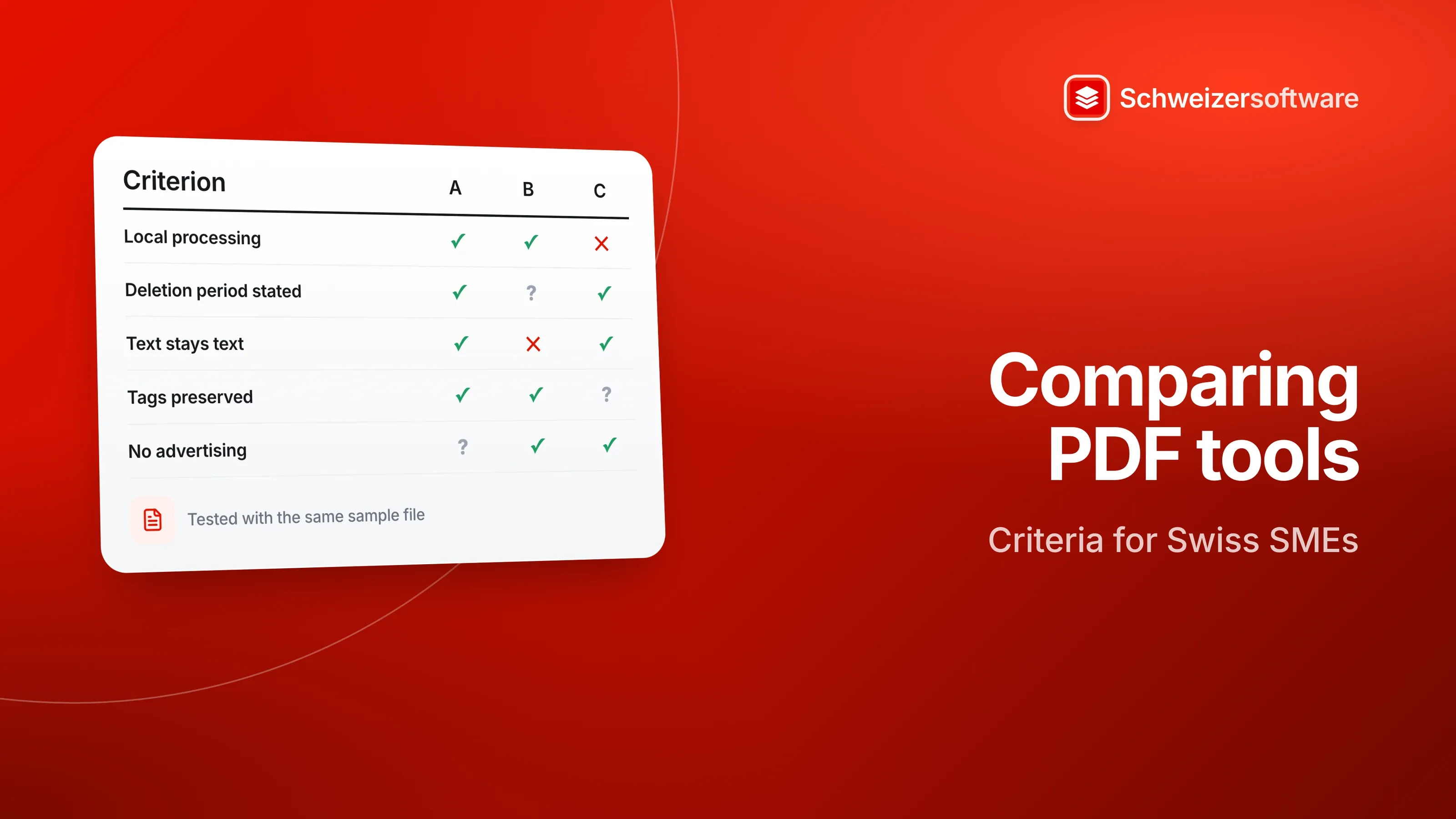
The practice manager fills in the table for three candidates and tests each one with the same sample file. For documents with health details, only tools that work locally or in the browser, or for which a data processing agreement is in place, come into question. The table goes into the data protection folder — at the next change, nobody starts from scratch.
The PDF tools we are building will merge, split, compress and convert PDF files — processed in Switzerland, in memory, without any file being kept, without advertising and without tracking, and in confidential mode for selected tasks entirely on your own device.
Sources
- 1.Bundesgesetz über den Datenschutz (DSG, SR 235.1) (checked on 25 September 2026)
- 2.Datenschutzverordnung (DSV, SR 235.11), Fassung in Kraft seit 15. September 2024 (checked on 25 September 2026)
- 3.PDF Association: ISO 14289-1 (PDF/UA) (checked on 25 September 2026)
Be told when it launches
This idea is still being planned. Sign up and we will write to you once, when it becomes an app. Signing up is non-binding – no newsletter, no advertising.
View the idea